
Agent Service
As lead of Customer Service at UtilityCo., you want to empower agents to provide the best customer experiences.
Discover how to:
- Provide visibility across all customer data and interaction history in one screen
- Reduce clicks and agent training
- Help agents resolve issues faster and improve customer satisfaction with an intuitive agent console
 Click through

Oracle Benefit
With prebuilt integrations for chat, Facebook Messenger, SMS, and more, Oracle’s agent console enables a true omnichannel experience.
Your customer, Claire, has a question about her most recent bill. She visits your website and uses your chat window to get in touch with an agent.
From your Agent Home page, you see an incoming chat from Claire Brown.
Click to accept chat
Accepting the chat brings you to Claire’s complete customer profile. Here, you can see Claire’s utility service is at risk of being shut off, and her bill is trending higher than normal this month.
Oracle Benefit
Relevant insights and recommended next-best actions based on the customer’s profile, previous interactions, utility usage, and digital body language.
You decide to start a live call with Claire to better assist her.
Click call icon
With Claire on the phone, you see her historical energy usage and cost information.
Oracle Benefit
Usage insights help agents predictively answer questions customers may have about their bill—and see how factors like weather, rate price changes, bill periods, disaggregation and more drive these components.
Oracle Benefit
A complete view of the customer’s omnichannel interaction history reduces time spent diagnosing issues.
Quickly check to see where Claire is in the collections process.
Click to open tab
Looks like Claire received a disconnect warning in her recent bill.
To answer her questions and understand more about the collections process, view related content and relevant knowledge articles.
Click Knowledge icon
Click to close article
Oracle Benefit
Oracle Knowledge Management leverages intelligent, natural language search to deliver contextual articles that enable agents to provide quick, consistent answers.
The system identifies the best course of action is to create a payment plan for Claire. Start by opening the payment arrangement process flow.
Click “Add a Payment Arrangement”
You follow the guided workflow to quickly complete the request.
Click “Next”
Oracle Benefit
Easy, scripted workflows guide agents through your service processes, reducing complexity and errors and increasing efficiency.
Confirm the details of the payment arrangement.
Click “Next”
Read the required scripting in your review with Claire, then complete the request.
Click “Finish”
In your conversation, Claire reveals she’s in an active bankruptcy process—so you decide to verify Claire’s eligibility to write off her debt.
Click “Create service request”
Oracle Benefit
Business Analysts can easily create and configure any type of service request form using custom fields, ensuring agents capture the right information for each ticket—all without IT support.
Within the service request, agents can explore helpful content and relevant knowledge articles based on the context of the service ticket.
Agents can also send messages within the SR to engage directly with customers or collaborate with internal employees, tracking all communications against the ticket record.
Click “Messages”
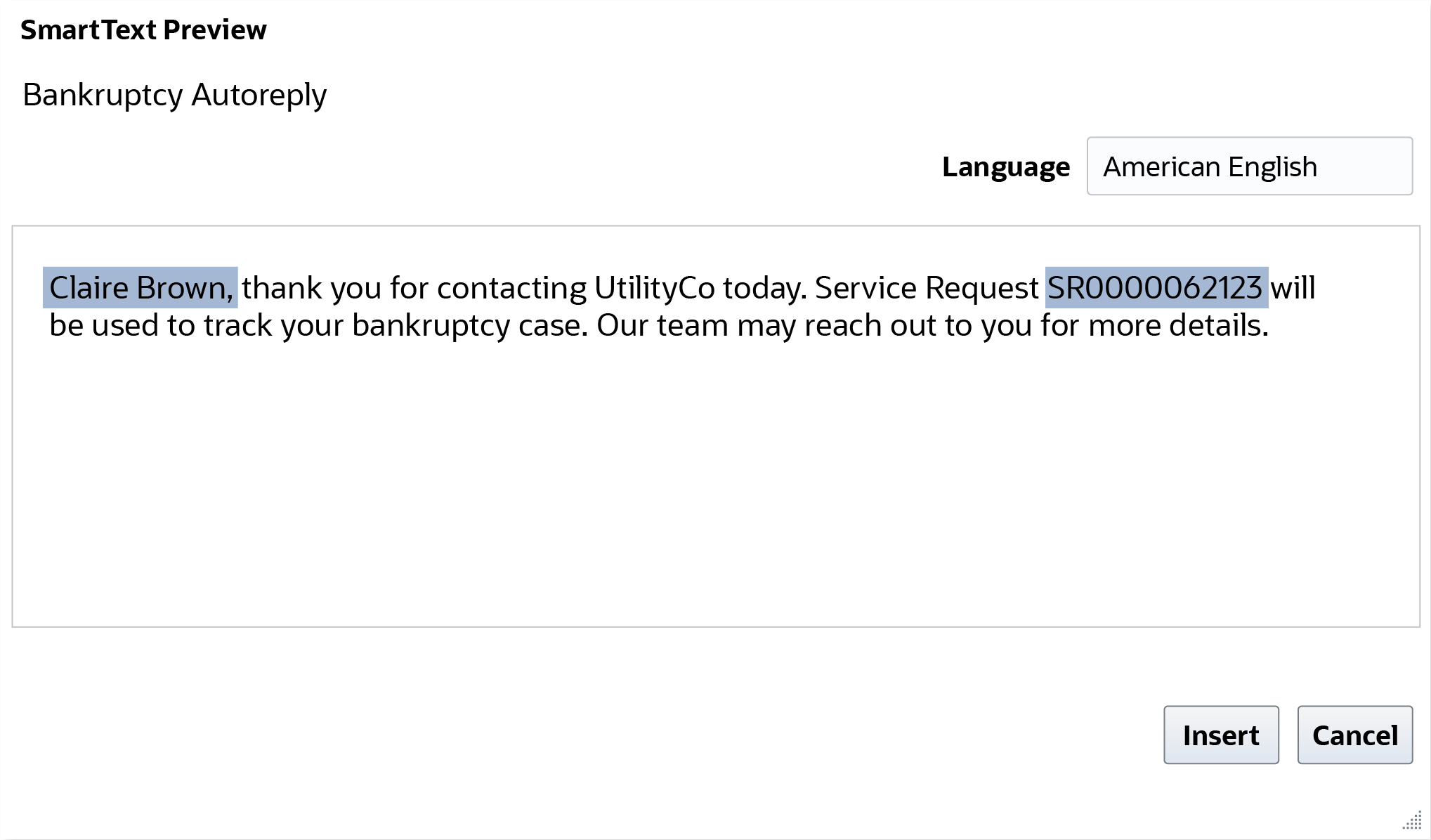
With easy-to-use auto-responses, you can quickly send Claire an email to confirm and track her service request ticket.
Click “Bankruptcy Autoreply”
To help Claire keep her costs low, offer to sign her up for High Bill Notifications—when she agrees, enrollment is easy with one click.
When the call ends, the notes you took during your conversation are saved and logged in her interaction history.
Agent Service
Now that you’re an Oracle Agent Service expert, discover what else Oracle can do for your business.
