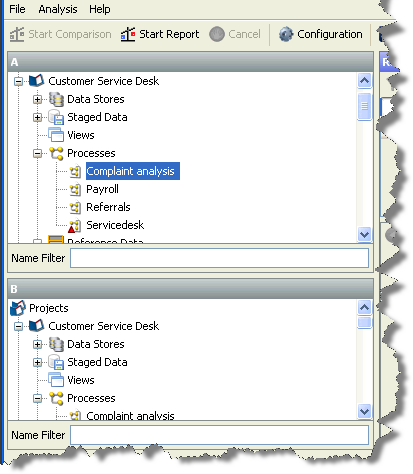
The selection panes are used to specify the components for analysis. If a component is selected in just one of the panes, you can run a configuration report that component:
If one component is selected in each pane, you can compare the configuration of the two components against each other:
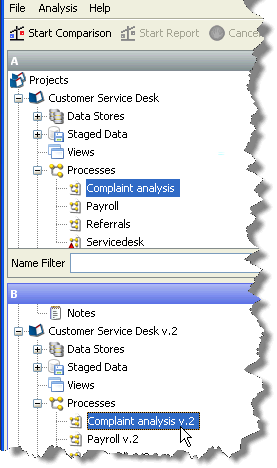
When a comparison is performed, changes are expressed relative to the component selected in pane A. For example, suppose that you have compared two processes. If the report states that a processor has been added, then the processor will be absent from the process selected in pane A, and present in the process selected in pane B.
Oracle ® Enterprise Data Quality Help version 9.0
Copyright ©
2006,2011 Oracle and/or its affiliates. All rights reserved.