To externalize an Export, right click on the Export in the Project Browser and select Externalize.
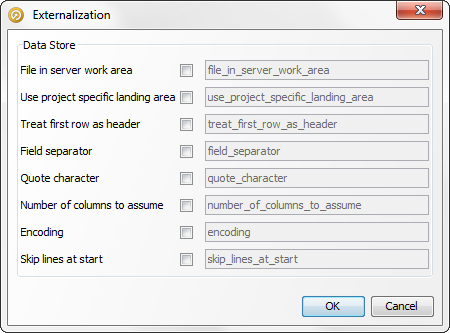
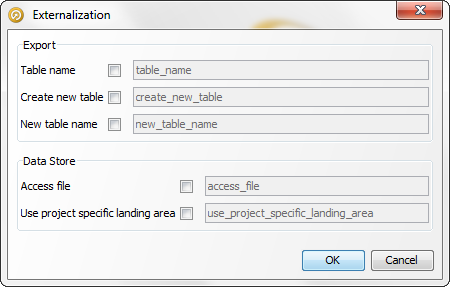
Select and edit the options as required. Click OK to save or Cancel to abandon.
Note that externalizing exports allows external users to override not only configuration of the export itself (such as the table name to write to) but also options of the Data Store the export is writing to (for example the file name, or database connection details).
Note: It is not possible to externalize the configuration that maps Staged Data attributes to target database columns. Furthermore, if the export is not set up to create a new table and you want to change the target table that it writes to dynamically at runtime, the target table must have exactly the same structure as the one used in the export definition, with the same columns and data types.
Note that in this case, the only options available are those of the target file itself.
The configuration of the export within the job determines whether or not a new file is written, or if an existing file is appended to - this setting cannot be externalized.