To externalize an External Task, right-click on the task in the Project Browser and select Externalize.
Select and edit the options as required. Click OK to save or Cancel to abandon.
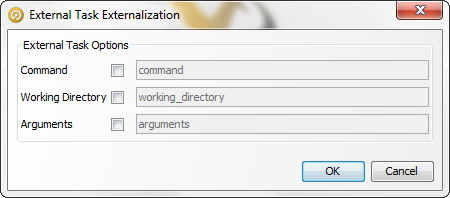
For External Tasks that run commands, the following dialog is displayed:
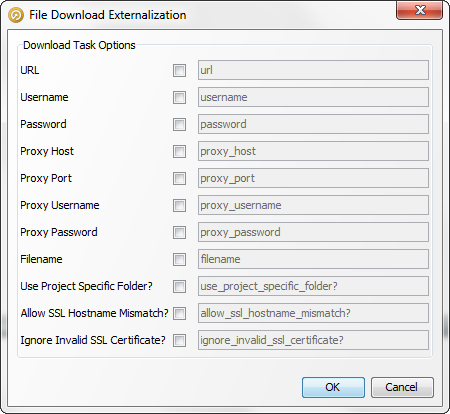
If an External Task is a File Download, the following dialog is displayed: