Open topic with navigation
Externalizing Snapshots
Only snapshots from server-side Data Stores can be externalized. Note that externalizing snapshots allows external users to override not only configuration of the snapshot itself (such as the table name, sample size, and SQL WHERE clause) but also options of the Data Store the snapshot is being read from (for example the file name, or database connection details).
Use the following procedure:
- Right-click on the required snapshot in the Project Browser.
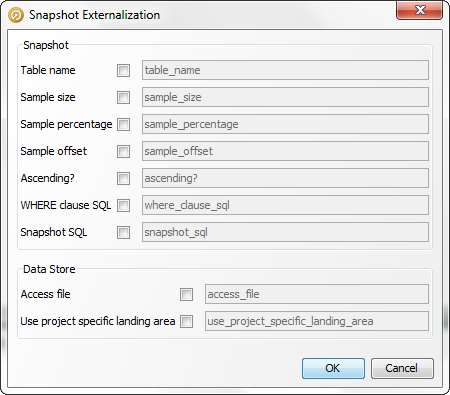
- Select Externalize.... The Snapshot Externalization dialog is displayed. Note that both Snapshot and Data Store options are available.
- Select an option by checking the corresponding box. The field on the right is enabled.
- If required, enter a custom name for the option in this field.
- Click OK to save changes, or Cancel to abandon.
Snapshot Externalization Dialog
The fields in this dialog vary, depending on whether the Data Store is a file or a database:
Delimited text file example
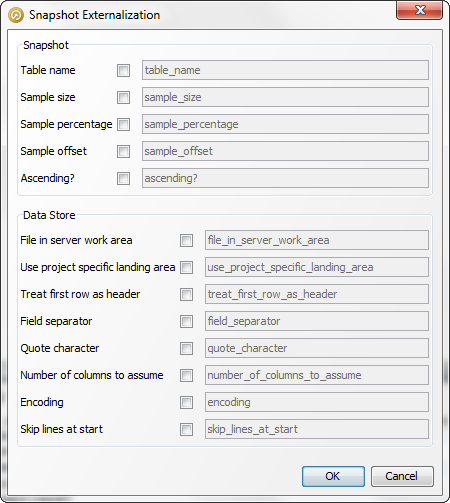
Access database example