Open topic with navigation
Process Externalization Dialog
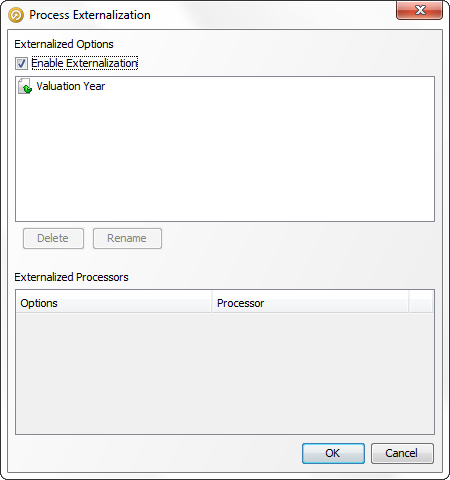
As well as being used to rename externalized options, the dialog is used to:
- Delete externalizations at the Process level rather
than trying to find and remove them at the Processor level.
- Enable externalization across the entire process by checking the Enable Externalization box
- View the full list of externalization names by
processor option (and processor name)
- Jump to the processor being externalized.