
Case Management is enabled in the Advanced Options of the match processor. To enable Case Management for a processor, open it from the Canvas and click on the Advanced Options link:
In the Advanced Options dialog, check the 'Use Case Management' checkbox. You will see that the match group options on this tab are disabled, and three additional tabs, 'Case Source', 'Case Workflow Parameters' and 'Alert Workflow Parameters', appear:
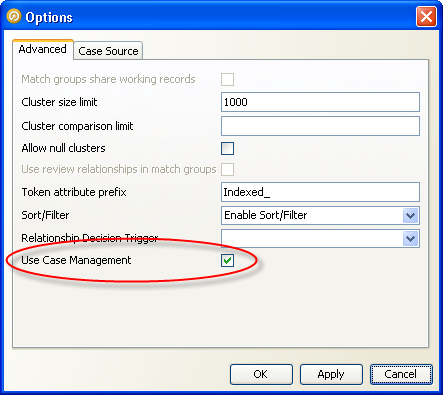
Case Management has now been enabled for the match processor, but further configuration is necessary before it can be used. To finish configuring the processor, you must:
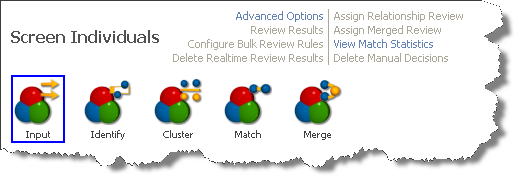
When you have finished configuring case management for a match processor, the Match Review links associated with the match processor will also be disabled:
Oracle ® Enterprise Data Quality Help version 9.0
Copyright ©
2006,2011 Oracle and/or its affiliates. All rights reserved.