Optional: Configure Web Tier Utilities
Prior to configuration of Web Tier, ensure that the WebLogic Server (AdminServer & ADFServer) has been started. They WebLogic Server should be running for the Web Tier configuration which includes an association process with the WebLogic Domain (adf_domain).
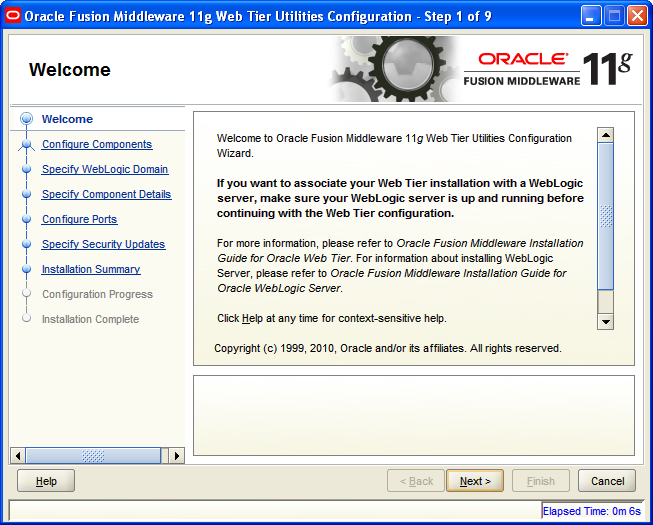
Select Next to continue on the Web Tier Utilities Configuration Welcome screen.
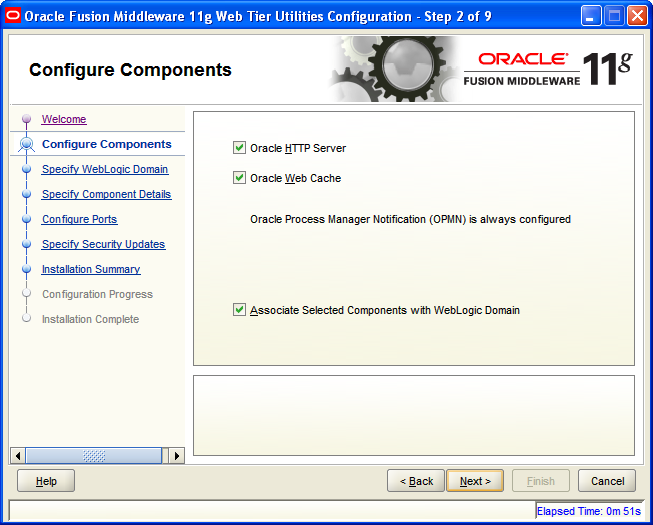
Select to Configure the HTTP Server, Web Cache, and to Associate Selected Components with the WebLogic Domain. Select Next to continue.
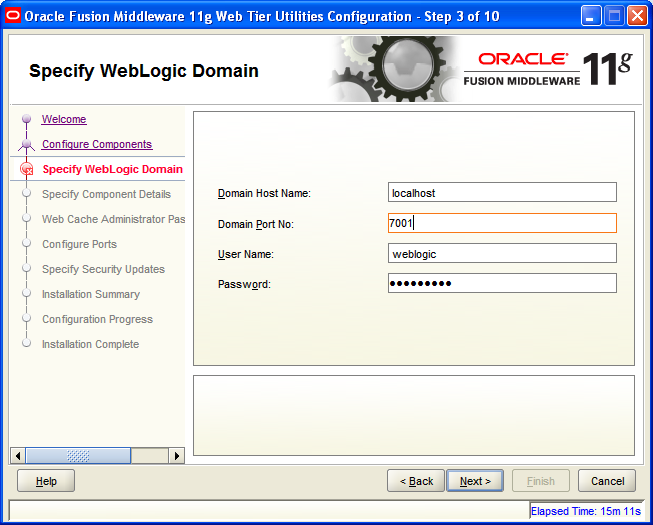
Provide the specific WebLogic Domain credentials. Select Next to continue.
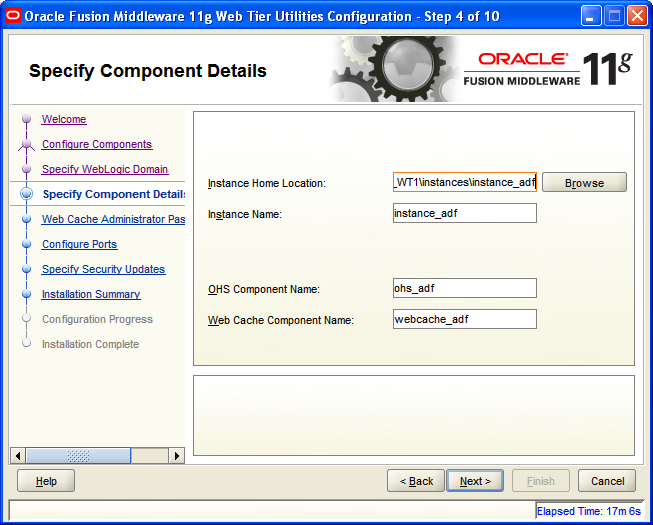
Provide the Specific Component Details. Select Next to continue.
Provide a Web Cache Administrator Password and save in a secure place for later use. Select Next to continue.
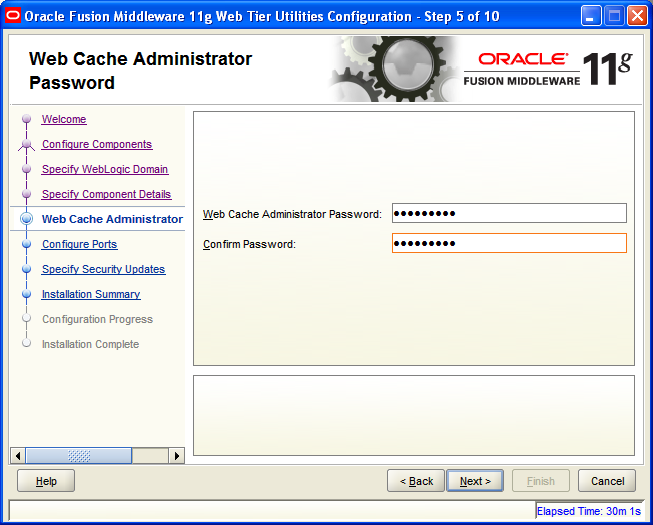
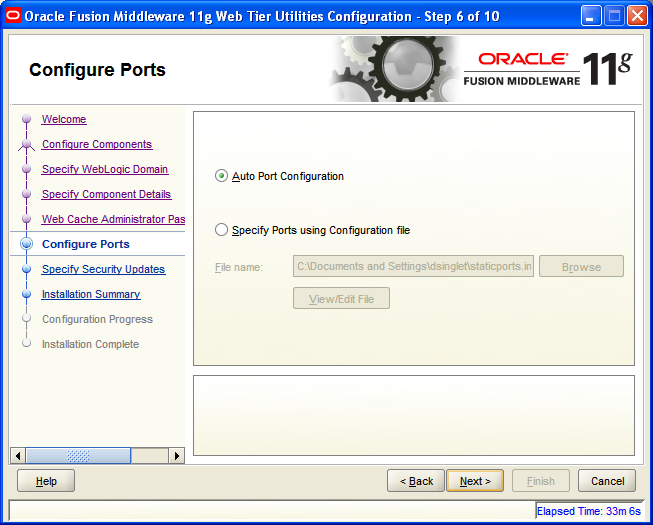
Select Auto Port Configuration unless it is required that specific ports are used. Slect Next to continue.
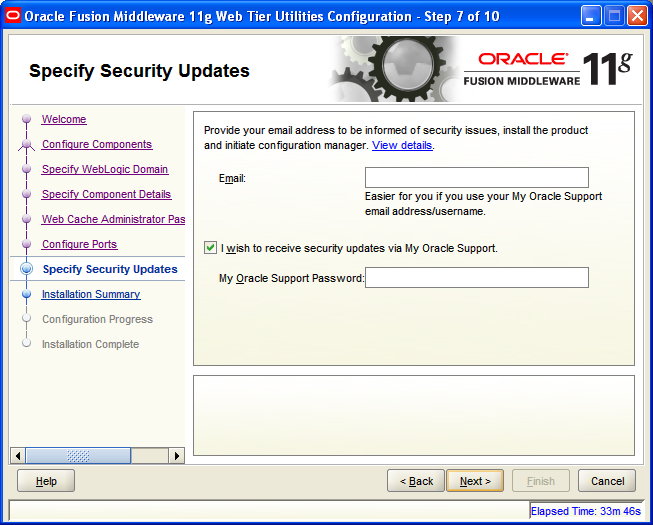
It is recommended, but not required, that you register for security updates. Enter your Oracle Support Account credentials. Select Next to continue.
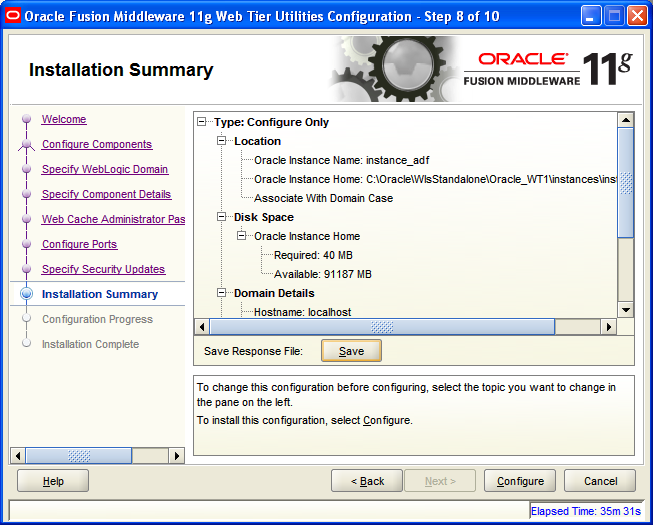
Review the Installation Summary and save the Response File for future reference. Select Configure to begin the configuration of the Web Tier Utilities.
The Web Tier configuration proceeds as each utility is configured. Select Next to continue.

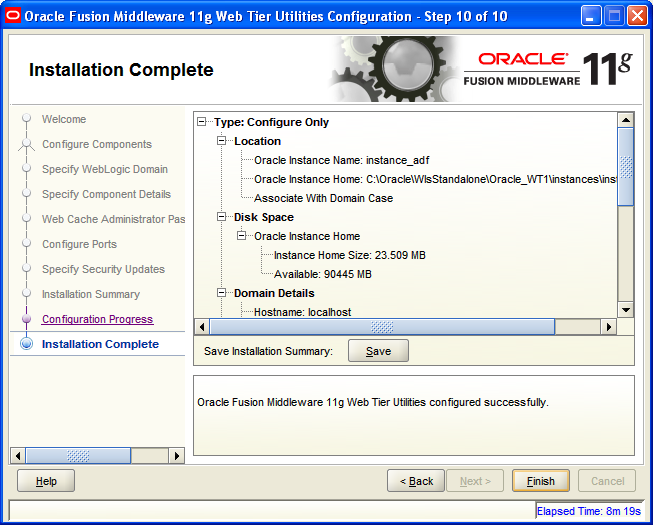
Once the Installation is Complete, the Installation Summary can be saved for future reference. Select Finish to exit the installer.
Once the Web Tier Utilities have been configured and started via Windows Start Menu | Web Tier Utilities Start options, login into Oracle Enterprise Manager (http://localhost:7001/em) to view the state of the Fusions Middleware Farm that has been created.
