
Connect to Oracle CX Sales
Configure Oracle CX Sales

Connect to Oracle CX Sales
1Complete prerequisite steps

Ensure that you've access to Oracle CX Sales with the Sales Administrator or an equivalent job role assigned.
Ensure that you set a reminder to reset the password well before it's due to expire.
2Connect to Oracle CX Sales
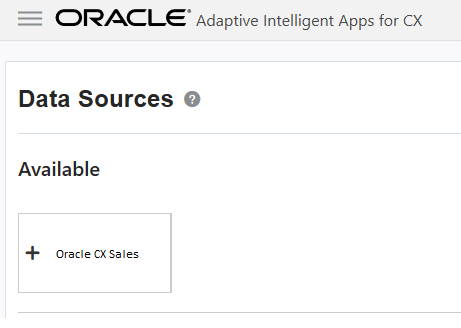
Click Connections and then click Data Sources.
Click Oracle CX Sales.
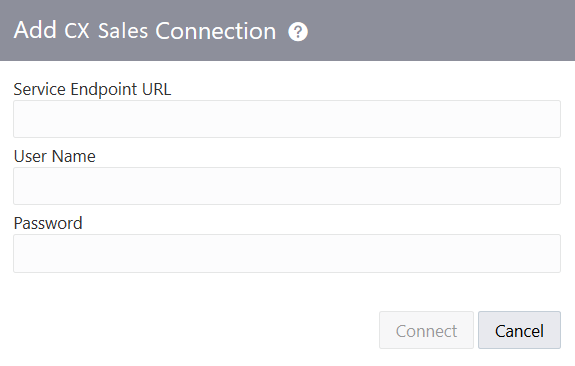
Enter the service endpoint URL and the user name and password.
Click Connect.
Configure Oracle CX Sales
3Configure best sales action
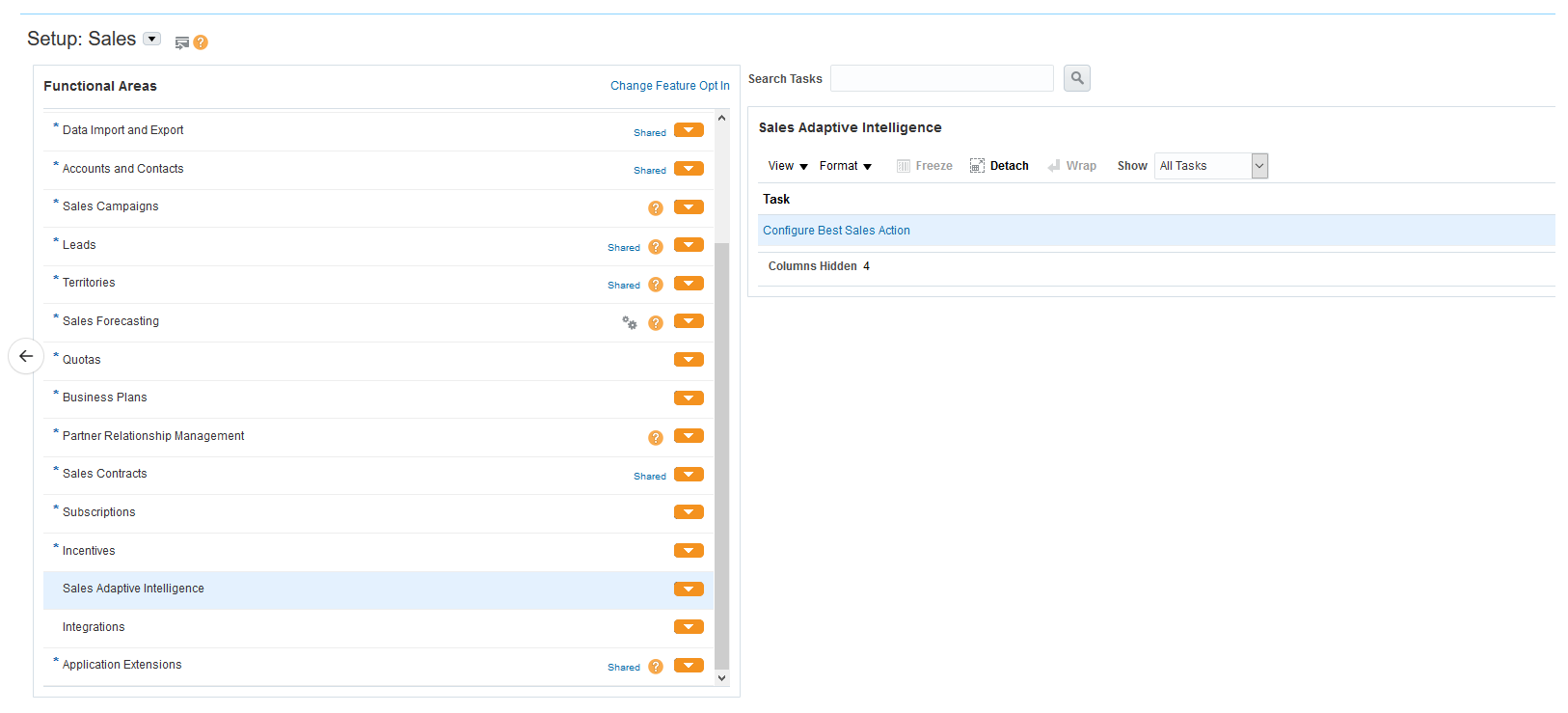
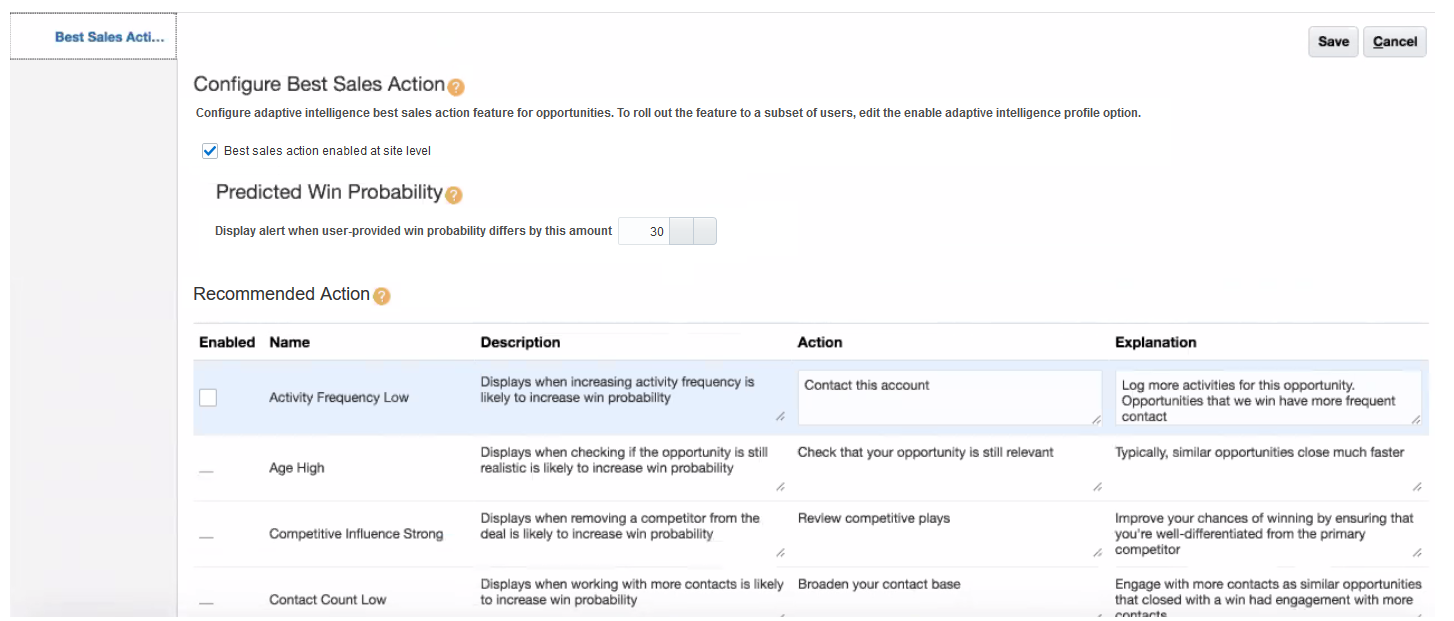
In the Setup and Maintenance work area, go to the Configure Best Sales Action task, and select Best sales action enabled at site level.
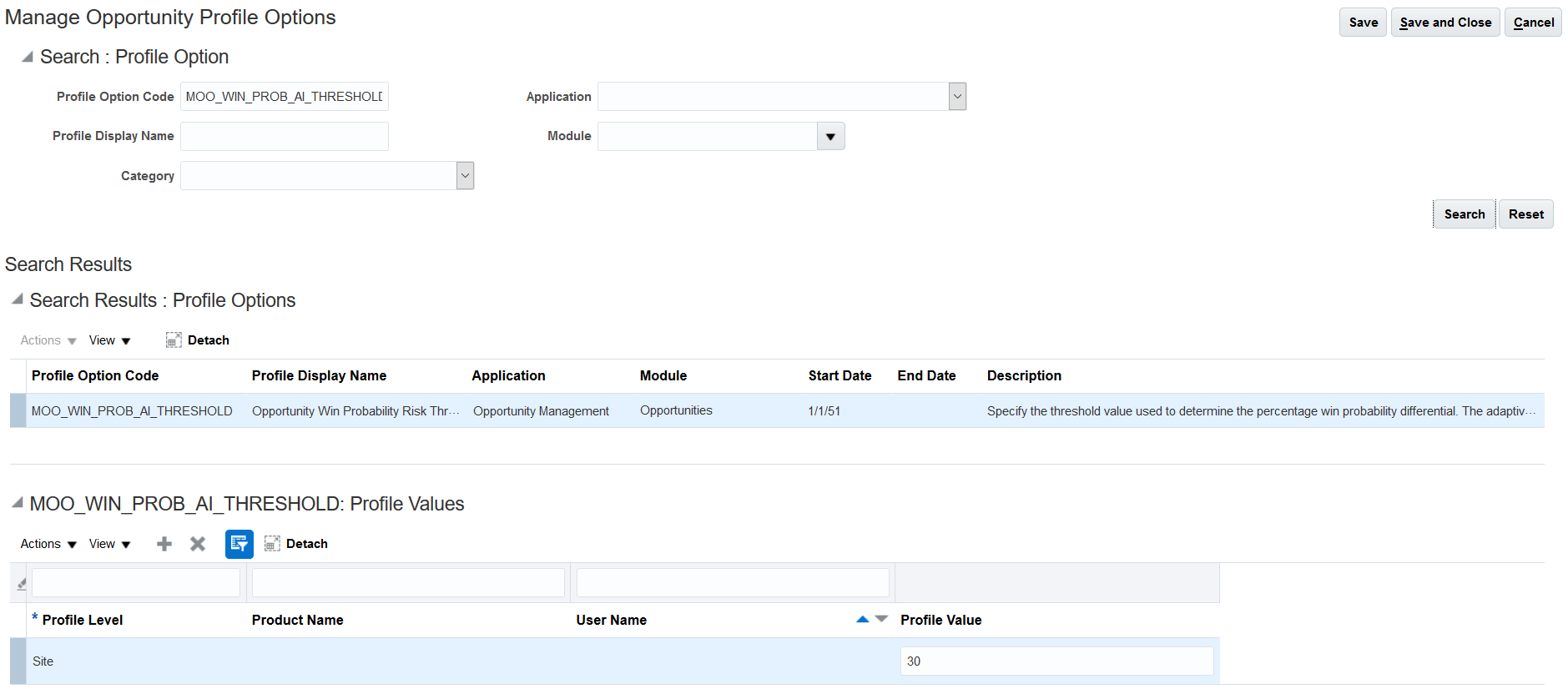
Enter the value for Display alert when user-provided win probability differs by this amount.
Disable any recommended action you don't want to be displayed.
See the topic Configure Oracle CX Sales for Adaptive Intelligent Apps for CX for details.
4Update Opportunities page layout
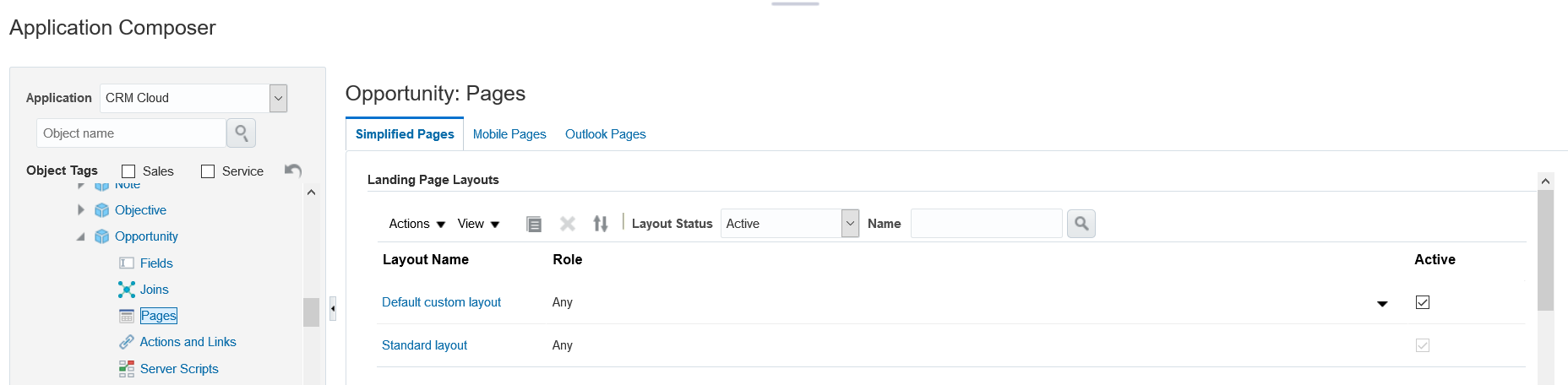
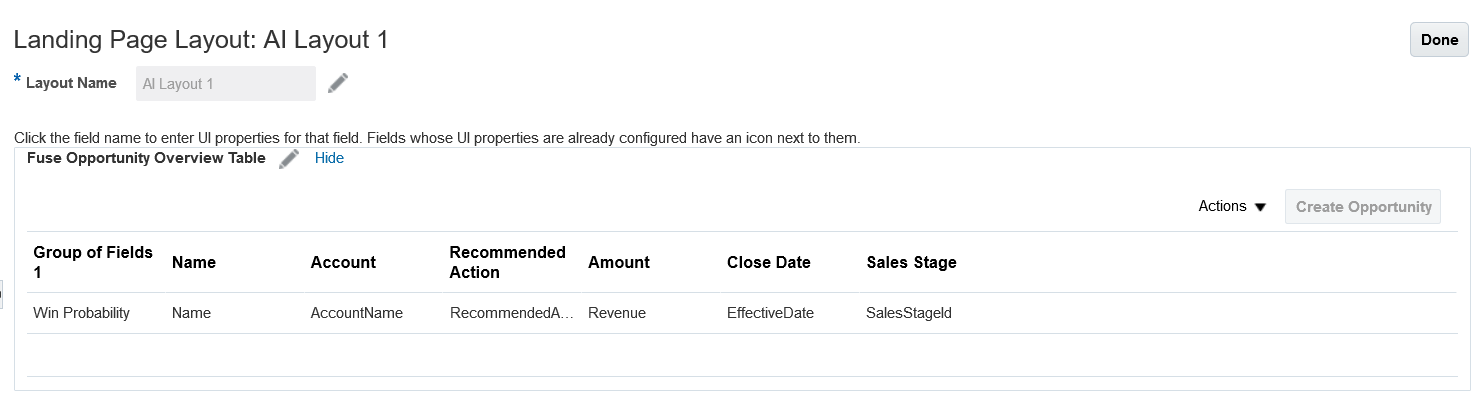
In Application Composer, navigate to the Opportunity object.
Add the Recommended Action column to the Opportunity page to ensure that adaptive intelligent recommendations are displayed on opportunities in Oracle CX Sales. See the topic Extend Pages for Opportunities for details.
 You're done!
Find out more about the Oracle Adaptive Intelligent Apps for Customer Experience Cloud Service
See: cloud.oracle.com/adaptive-intelligent-apps and docs.oracle.com
New FeaturesSee events.oracle.com and blogs.oracle.com/cloud for information about Oracle Cloud events.
Join the CommunityOracle Cloud Community: cloud.oracle.com
Follow Oracle Cloud on Facebook
 Twitter
 YouTube
Connect to Oracle CX Sales
Configure Oracle CX Sales