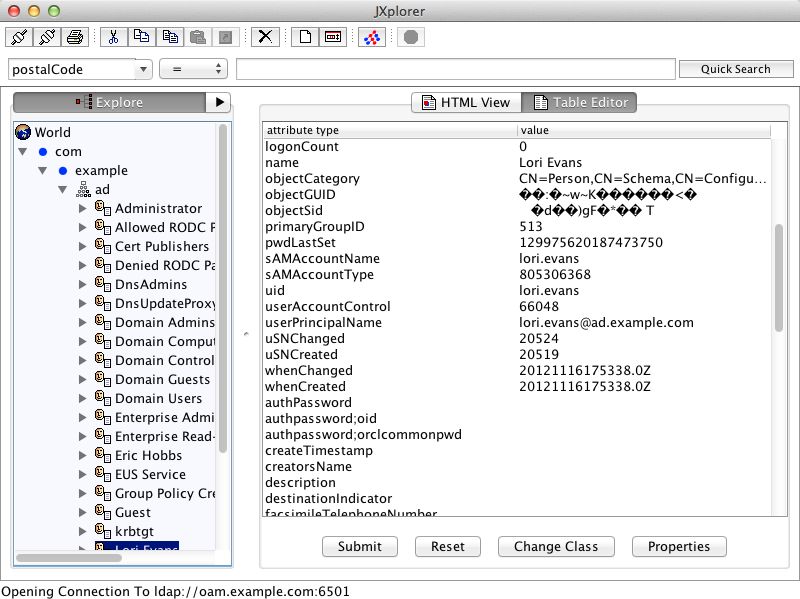
This shows how to create a simple OVD setup - 2 LDAP adapters. One is AD and the other is OUD (though could be any other LDAP)
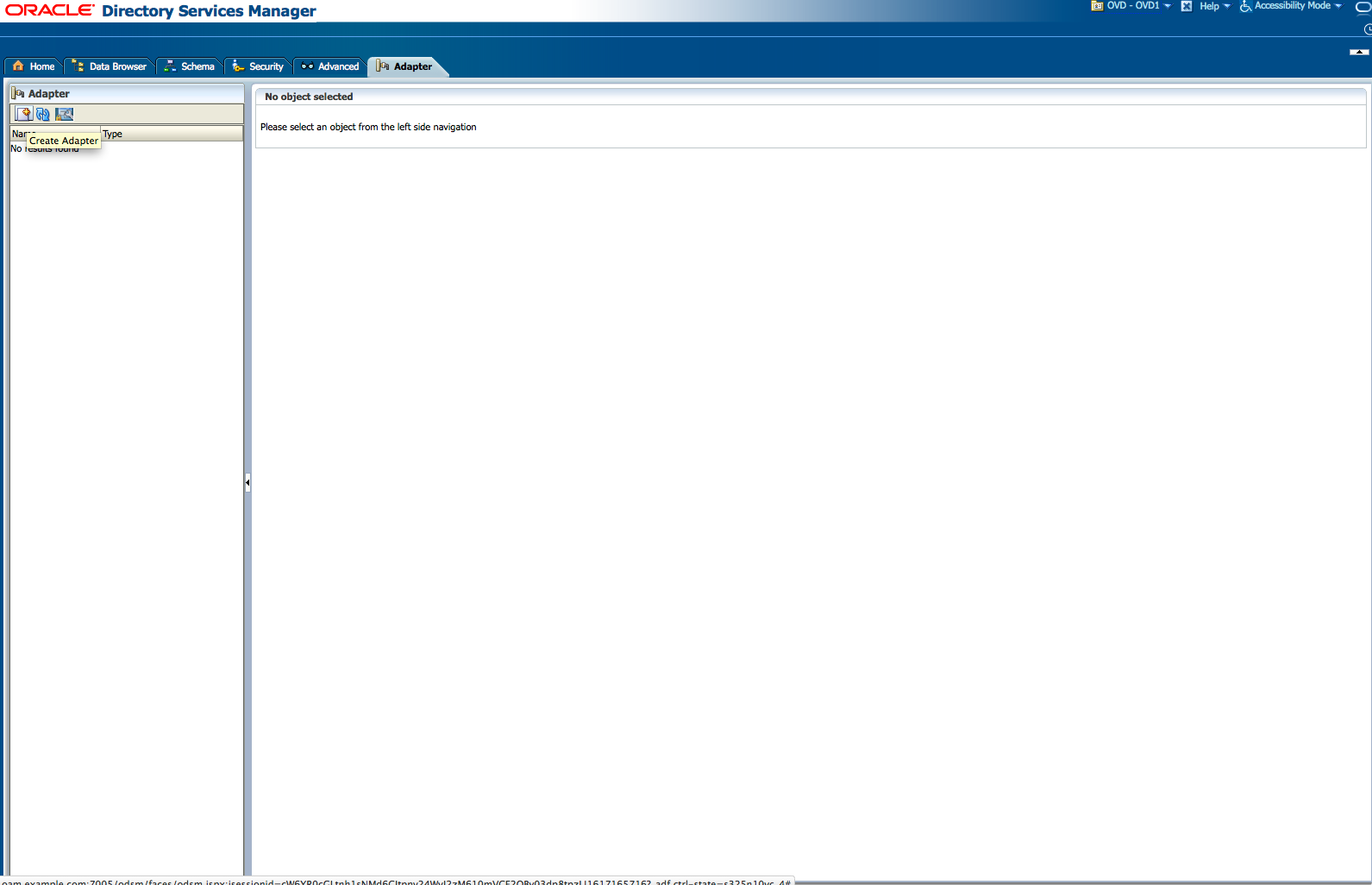
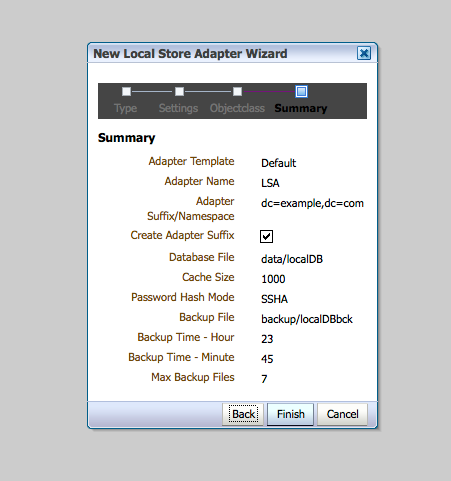
The first step is to create a Local Store Adapter (LSA). A LSA is created so that we have a "root" or "tree-top" entry because the other adapters will be branches because that's typically easier to organize with. But a root entry is needed because many application expect a valid entry to be there.
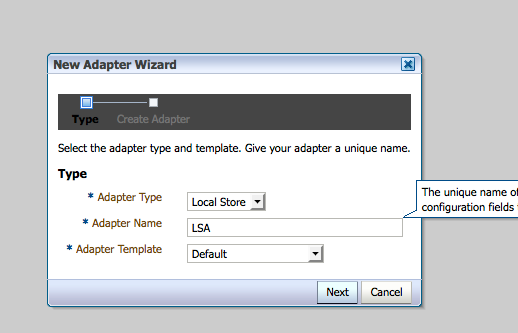
To simplify creating the root entry - the OVD wizard will pre-populate the entry.
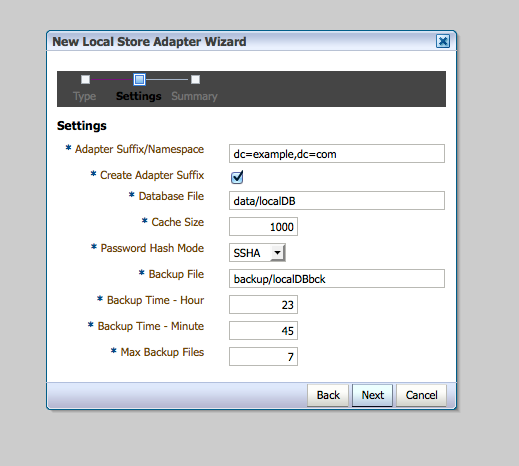
Choose domain if using dc= as the DN attribute.
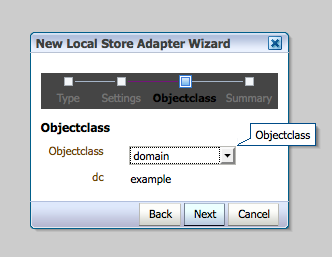
Click finish
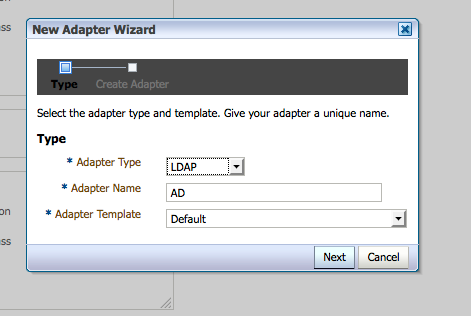
Next we will create the AD adapter.
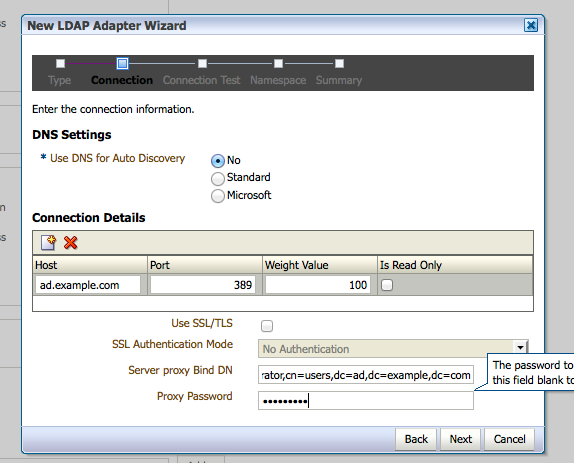
Connect to the AD server. If you have multiple AD servers for this domain - then enter them here. It can be a service account - it does not have to be AD admin.
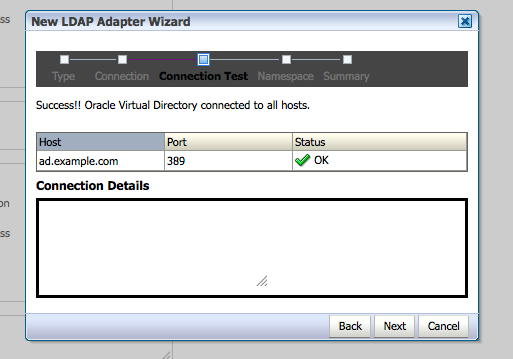
This screen verifies we connect correctly.
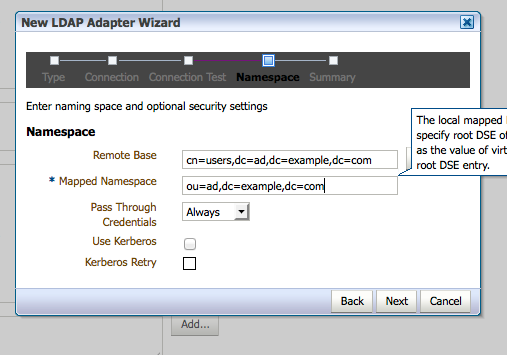
Map to the proper branches here. Note OVD exposes a different namespace to OVD clients.
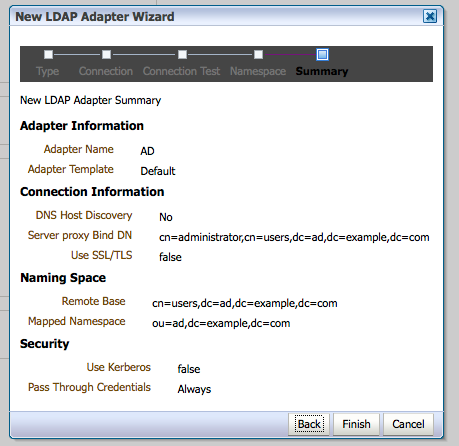
Click finish.
Next create LDAP adapter for OUD.
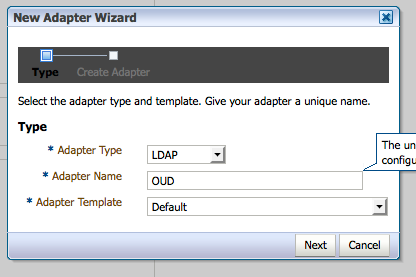
Enter OUD connection information.
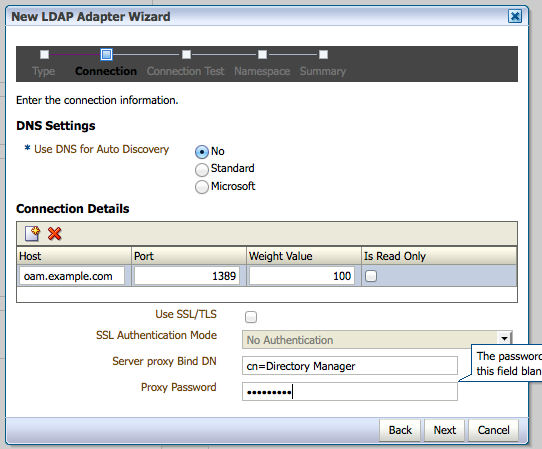
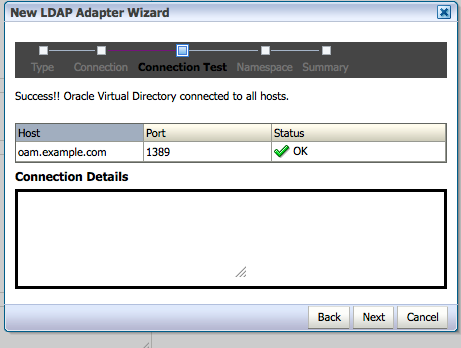
Verify settings were correct.
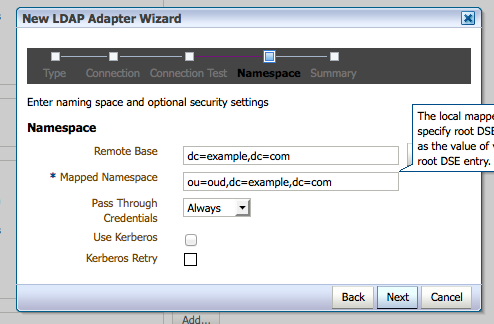
Map to the OUD DIT.
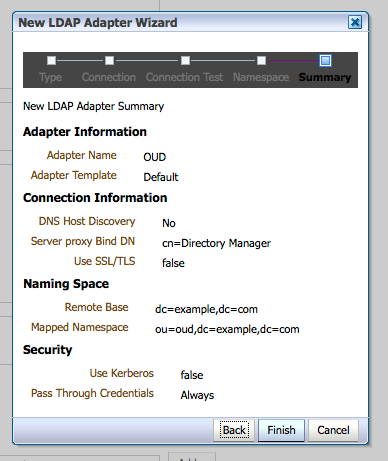
Click finish
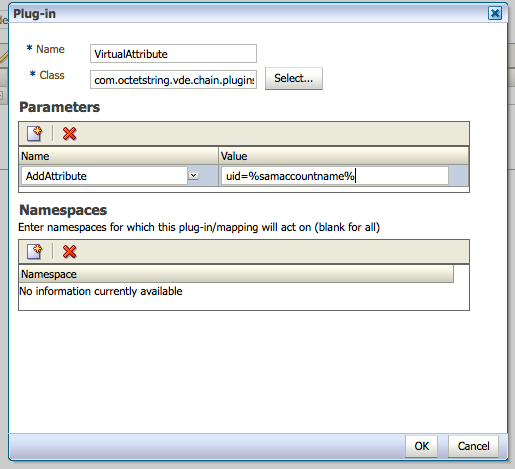
Because we have both AD and OUD - they have different LDAP schema. AD has its own (in particular the username is stored in samaccountname instead of uid by default). We will use the VirtualAttribute plug-in to map samaccountname to uid.
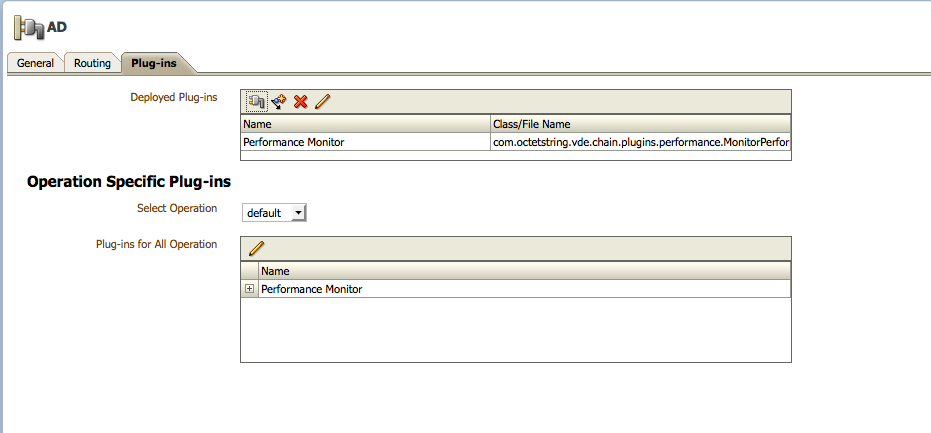
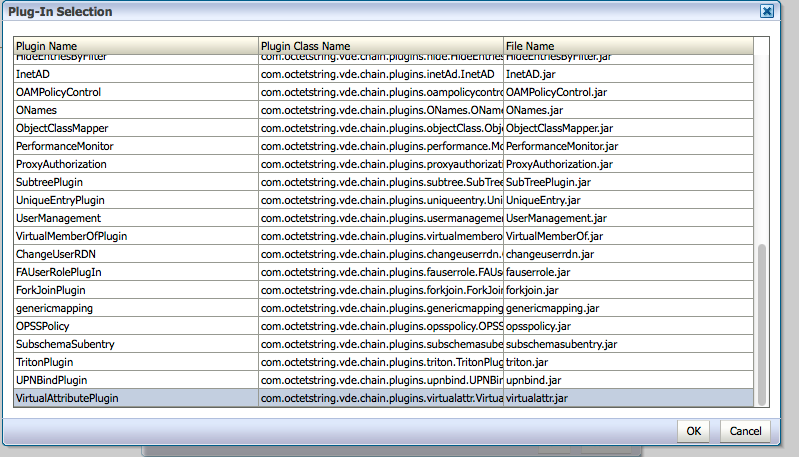
Select the VirtualAttributePlugin
Add the mapping.
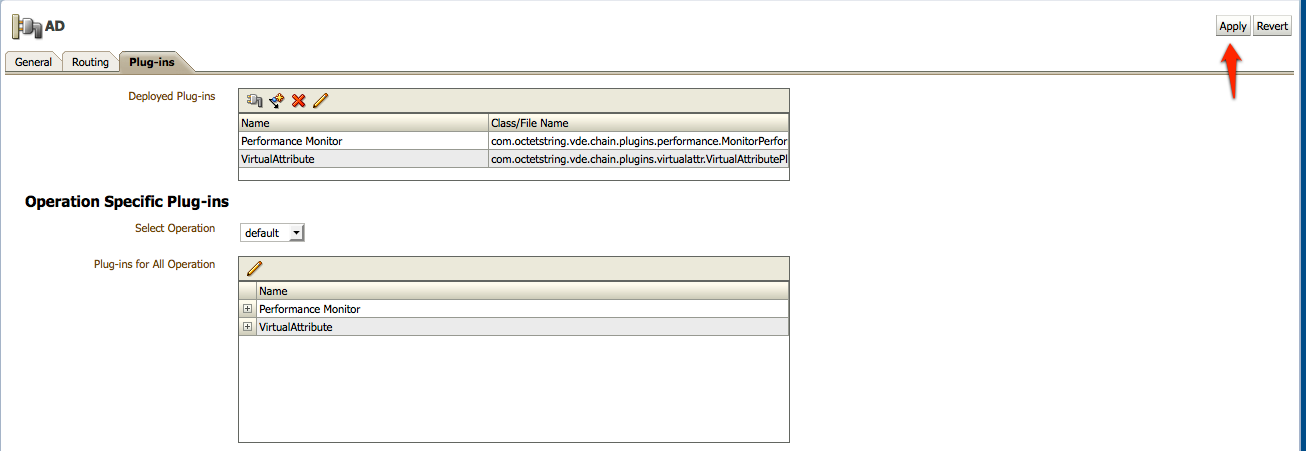
Click apply
Now when you look at the entry - you see both samaccountname and uid. If you want only uid - use ReplaceAttribute instead of AddAttribute.