Service Status - Completed with Errors
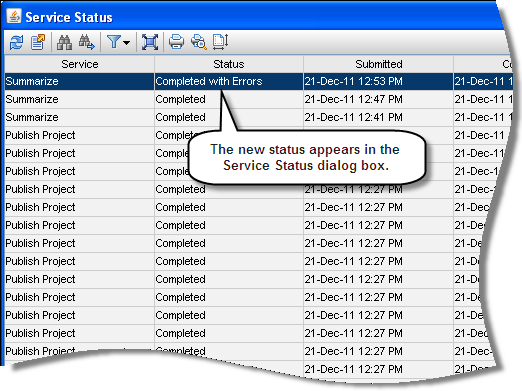
The status Completed with Errors is displayed in the Status column of the Service Status dialog box when a service is at least partially completed despite the presence of one or more errors.
For example, if you summarize two projects and one of the projects is open exclusively by another user, Completed with Errors is displayed, since one project is successfully summarized, while the project that is open exclusively is not summarized.
When Completed with Errors is displayed in the Service Status dialog box, you can click the View Log File icon  to view additional information concerning the error.
To access this feature:
On the Activities page Actions menu, click View Service Status to display the Service Status dialog box. When Completed with Errors applies to any services recently run, it appears in the Status column.