Renaming Columns
P6 8.3 gives users the ability to rename columns on the Activities page. This feature ensures the application terminology aligns with the organization and enables users to work with column names that are familiar.
Right-click a column header and select Rename Column to launch the Rename Column dialog box. The dialog box displays the column's default name and provides a New name field in which you can edit the default name or type in a different name.
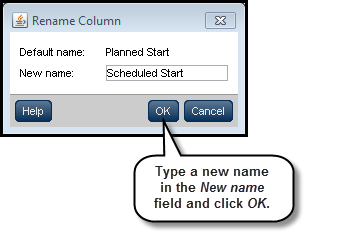
To access this feature:
Right-click a column header on the Activities page.
Copyright © 2008, 2014, Oracle and/or its affiliates. All rights reserved.