XML Import/Export Enhancements
P6 Professional 8.3 provides a number of enhancements to its XML import/export functionality. A user can now exchange XML project files with previous version of P6 Professional from R6.2 SP4 onward. Also, all features supported by the P6 Professional XER format -- constraining of external relationships during import, inclusion of Price/Unit in resource assignments, import of Past Period Actuals -- are supported in XML format as well.
P6 Professional 8.3 also enables a user to import or export multiple projects simultaneously. When exporting multiple projects, the projects are combined into a single XML file. Importing multiple projects requires the projects to be contained in a single XML file.
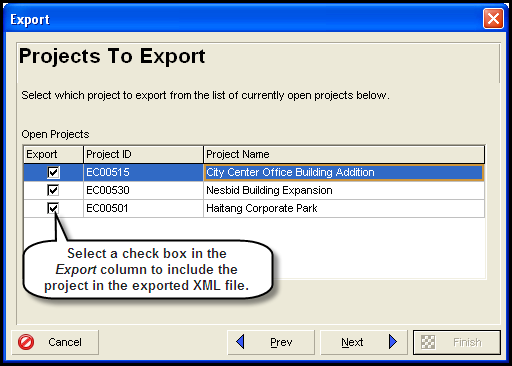
In this topic, you will export multiple projects.
To access this feature:
On the File menu, click Import, or click Export, and then select Primavera P6 - (XML). Click Next to select the projects to import or export.
Copyright © 2008, 2014, Oracle and/or its affiliates. All rights reserved.