Work Offline on iPad
Work offline in P6 Team Member if you expect to disconnect from the P6 server or the internet. All available task data is downloaded to your device for review and edits. Offline mode is available only when the P6 Team Member app is running on an iPad. If a connection is lost, Offline mode will be activated automatically, but only data that was cached while connected to the server will remain editable. Data is cached when you access the data while the app is connected to the server.
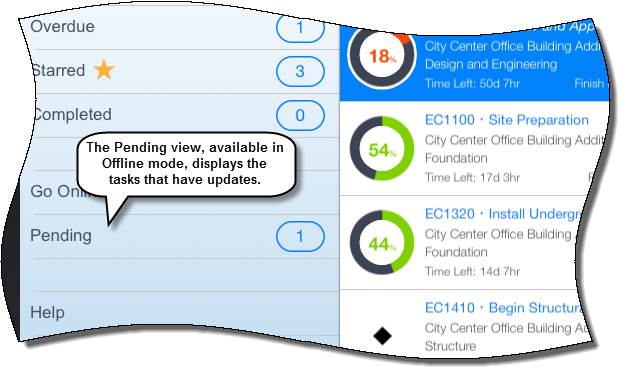
To access this feature:
Tap the App menu icon in Team Member, and then tap Go Offline.
Copyright © 2008, 2014, Oracle and/or its affiliates. All rights reserved.