Expand All/Collapse All on Users Page
Use Expand All or Collapse All in P6 8.4 to view the full list of users in User Access Settings. The option is available only when users are grouped by Global Security Profile or User Interface View.
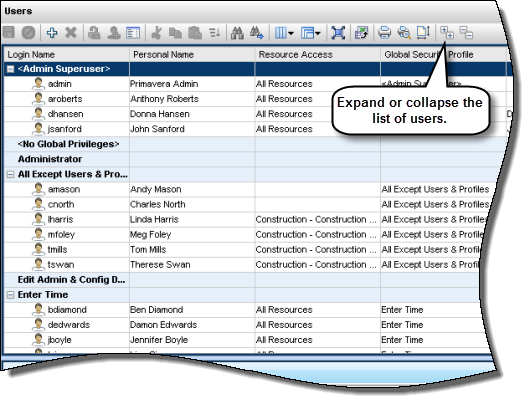
To access this feature:
Click User Access on the Administer menu and then open the Users page.
Copyright © 2014, Oracle and/or its affiliates. All rights reserved.