Select a Project Security Profile When Assigning Users to an OBS
In previous versions of P6, the default project security profile would be automatically assigned to a user when assigning him to an OBS -- a process that could take considerable time depending on the number of users and profiles being assigned. In P6 8.4, select a project security profile in the Select Users dialog box and assign one or more users to an OBS. The default project security profile is the default option in the Select Users dialog box.
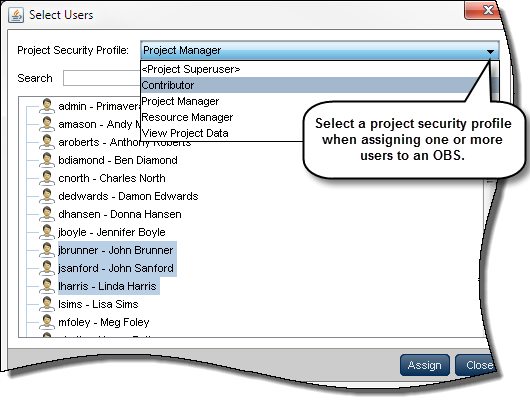
To access this feature:
Open the User Access page on the Administer menu. On the Users tab of the OBS page, click Assign User.
Copyright © 2014, Oracle and/or its affiliates. All rights reserved.