Page Layout and Color
Unifier 10.0 provides a new page layout and color scheme:
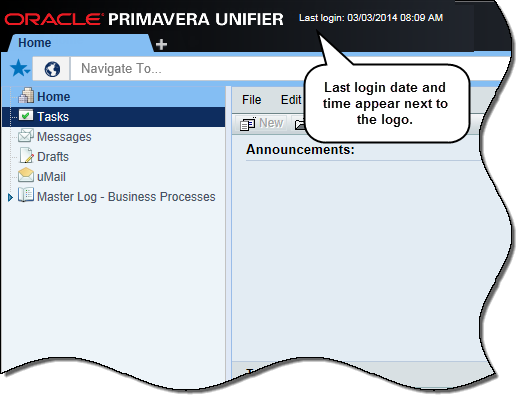
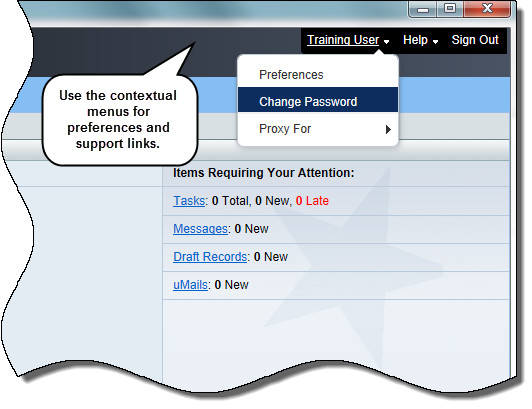
- Login information next to the Oracle Primavera Unifier logo displays the last login date and time. Full name of the logged-in user displays at the upper right corner of the page.
- At the upper right corner of the page, Username, Help and Sign Out have replaced Bookmarks, Preferences, Support, and Logout links.
- Configure user preferences from the username list. There is no change in the Preferences window.
- Use quick links in the username list to change password (on-premises clients only) or proxy login without accessing the functions in the Preferences window.
- Use quick links in the Help list to quickly access support contact information or download plug-ins.
- Note: You can no longer upload a customer logo above the Navigation bar.
Benefit: Use quick links to access functions -- for example Proxy For, without opening the Preferences window.
Location: Log in to Unifier to access user preferences and support options.
Copyright © 2014, Oracle and/or its affiliates. All rights reserved.