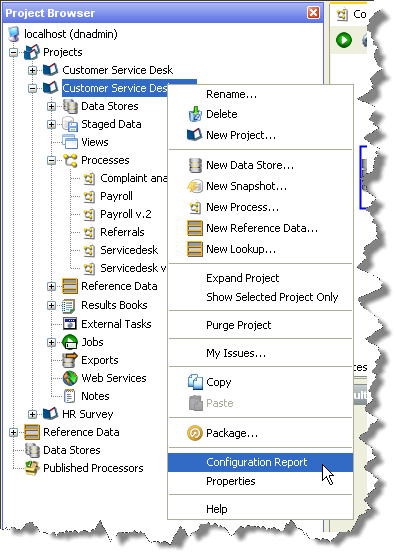
A configuration report can be run on components in the Director project browser by right clicking on the component and selecting Configuration Report:
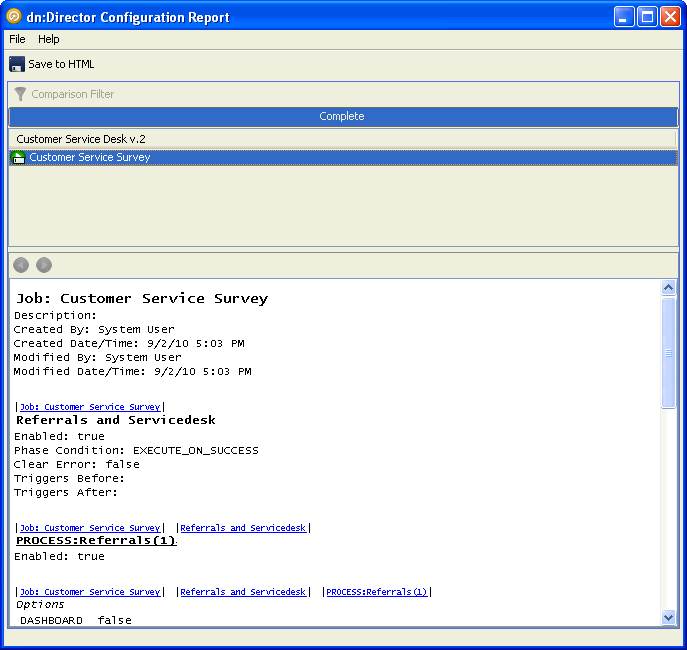
This is equivalent to running a configuration report through the full Configuration Analysis interface. The results are presented in a cut-down version of Configuration Analysis, with only the results pane shown:
Oracle ® Enterprise Data Quality Help version 9.0
Copyright ©
2006,2011 Oracle and/or its affiliates. All rights reserved.