
To run the report, either click on the Start Report button in the toolbar:
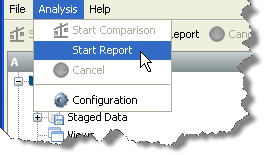
Or select Analysis -> Start Report from the menu:
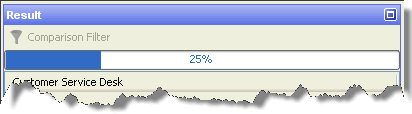
The report progress will be reported in a progress bar at the top of the results panel:
When the report is complete, you can browse the results in the results pane, or save your results as HTML.
Oracle ® Enterprise Data Quality Help version 9.0
Copyright ©
2006,2011 Oracle and/or its affiliates. All rights reserved.