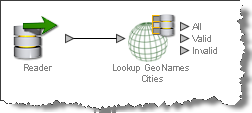
It is possible to customize the icon for any processor instance in OEDQ. This is one way of distinguishing a configured processor, which may have a very specific purpose, from its generic underlying processor. For example, a Lookup Check processor may be checking data against a specific set of purchased or freely available reference data, and it may be useful to indicate that reference data graphically in a process. The below screenshot shows a customized Lookup Check processor with the GeoNames icon (from www.geonames.org):
|
Note:Oracle takes no responsibility for the unauthorized use of copyrighted images. You should check your rights to use images for custom processor icons. |
The customization of a processor icon is also useful when creating and publishing new processors. When a processor has been published, its customized icons becomes the default icon when using the processor from the Tool Palette.
To customize a processor icon:
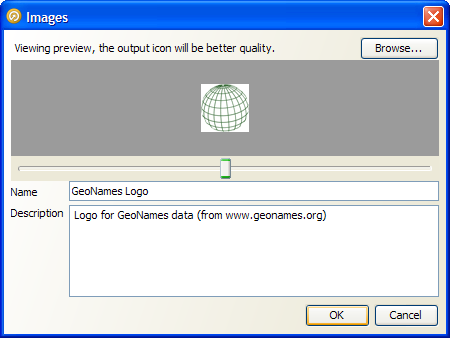
Once an image has been created on a server, it is added to the server's image library and available whenever customizing an icon. The image library on a server can be accessed by right-clicking on a server in the Project Browser, and selecting Images...
Oracle ® Enterprise Data Quality Help version 9.0
Copyright ©
2006,2011 Oracle and/or its affiliates. All rights reserved.