
- Connection — Edit the database connection information.
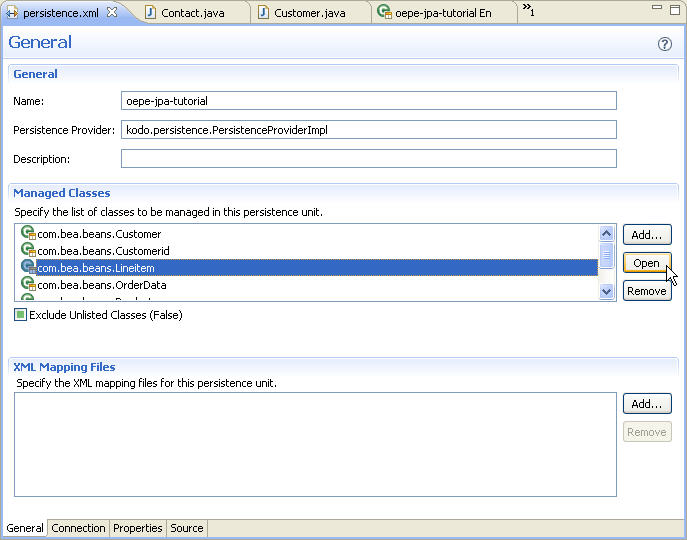
- General — Edit information about managed classes and the persistence provider unit.
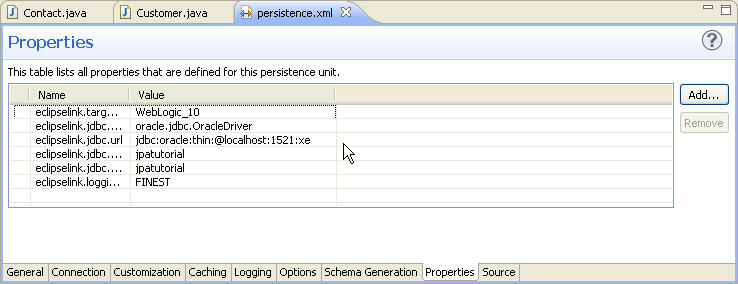
- Properties — Edit vendor-specific and general properties.
- Source — Edit the persistence.xml source directly.
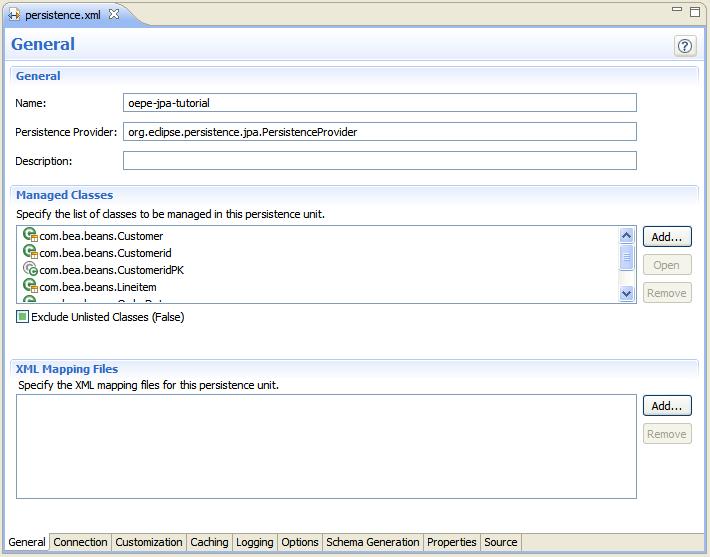
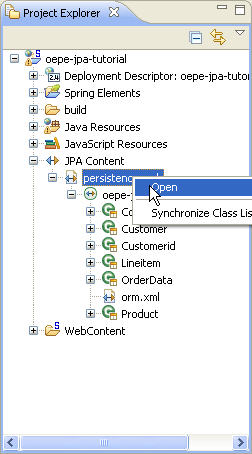
The persistence.xml file defines the context for JPA persistence. In this step, you will use the JPA Persistence Configuration Editor to explore the persistence.xml file for your JPA web project.
The task in this step are:
The JPA Persistence Configuration Editor provides a graphical interface that allows you to modify connection information, mapped classes, and JPA properties that are managed by your persistence.xml file. Optionally, you can also use the editor to edit the persistence.xml source file.
The Connection tab of the persistence.xml editor displays the current connection properties and allows you to modify the existing connection if you use a JDBC Datasource. If you choose to instead embed the connection properties directly in persistence.xml, you can use the Properties tab to edit them. This tutorial embeds the properties directly.
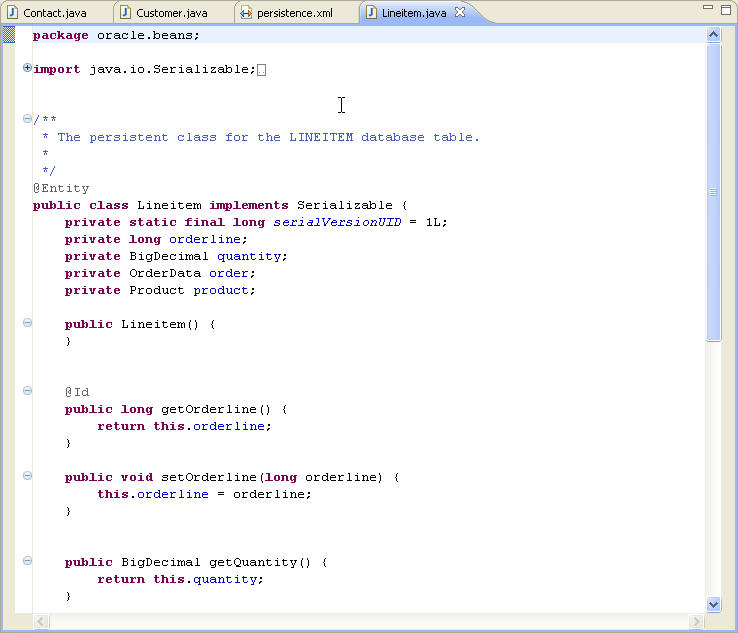
You can use the General tab to view and modify mapped classes.
Click one of the following arrows to navigate through the tutorial:
|
|
|