Visit the Oracle Store
This article will walk you through the process of completing your purchase of Oracle Textura in the Oracle Store. This step is necessary in order to confirm your contract/s.
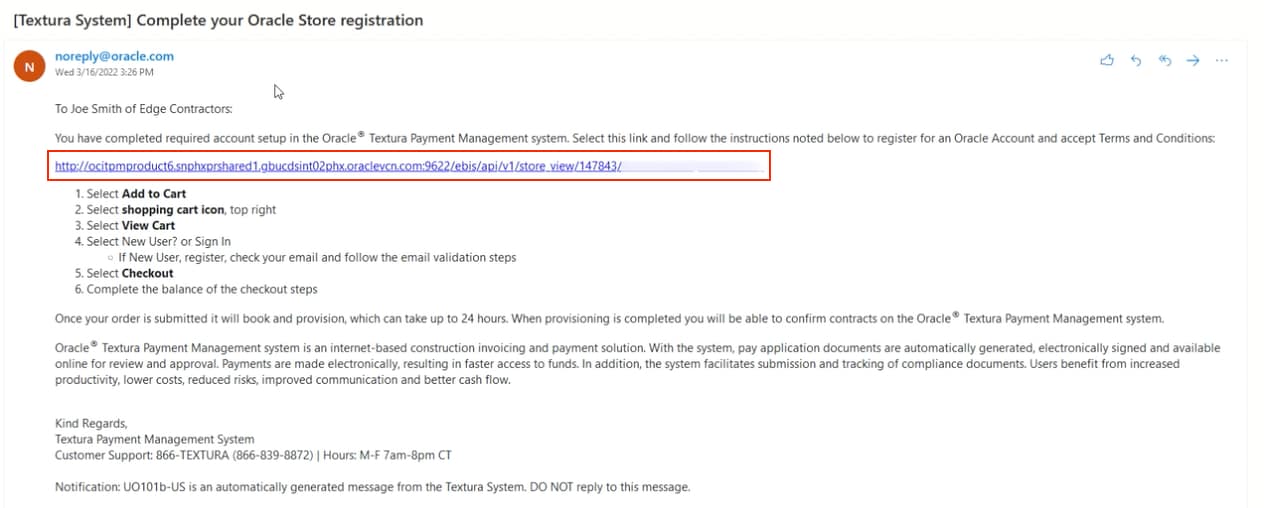
Receive Oracle Store email
Once you've successfully added your banking information to Textura, you'll automatically receive an email titled, "Complete your Oracle Store registration."
This email will direct you to the Oracle Store, where you must open an account to complete the order for Textura.
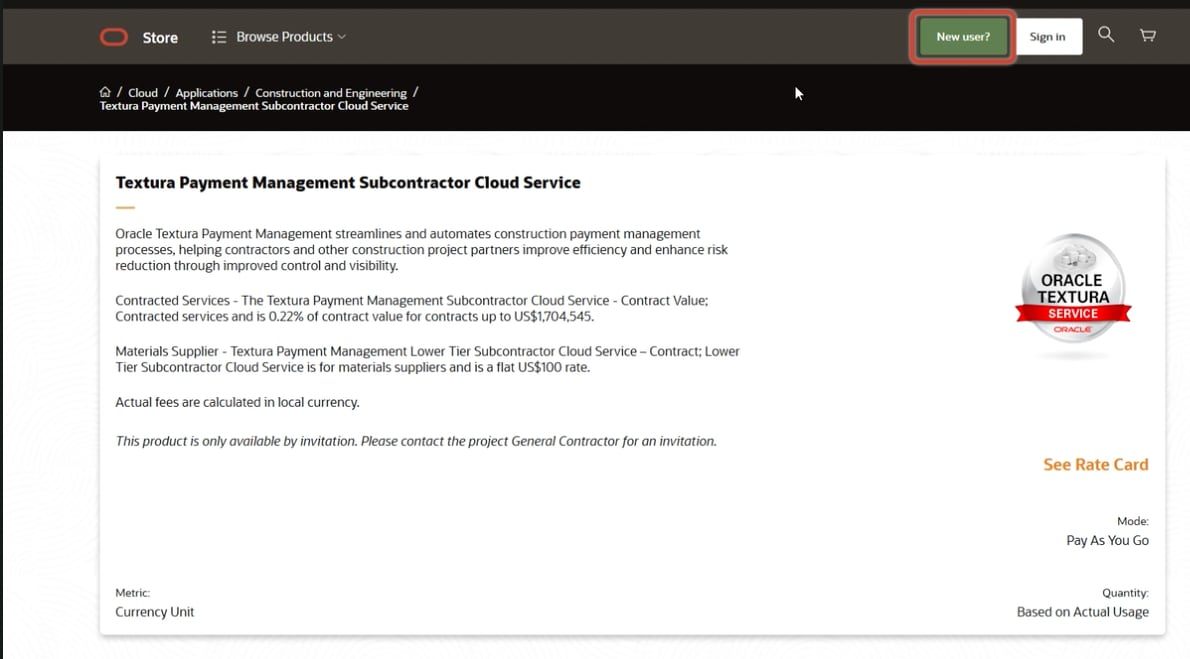
Create Oracle Store profile
When you arrive at the Oracle Store, click New User.
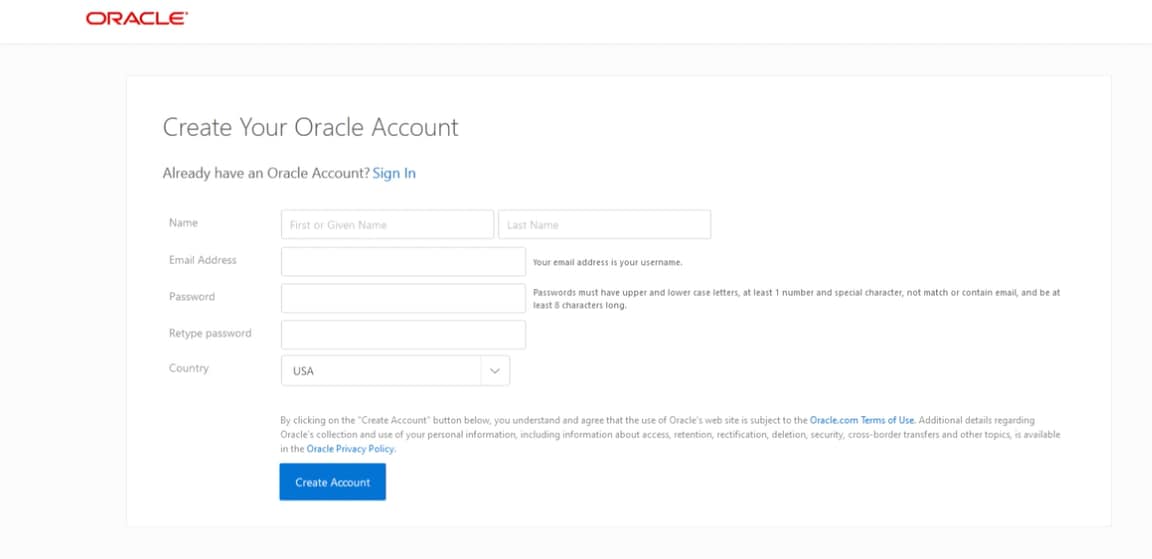
Create your Oracle account
Enter the required information, then verify your account once you receive the confirmation email.
After your account is verified and you are logged in, you can add the Textura Payment Management Cloud Service for Subcontractors to your cart.
Agree to the terms and conditions, then click Check Out to complete the transaction.
You'll receive an order confirmation email.
Tip!
It can take up to 24 hours for your Textura account to be provisioned.
If you need additional assistance, visit the Support page.