Mobile app
We made improvements to the Primavera Cloud mobile app iOS version to improve usability.
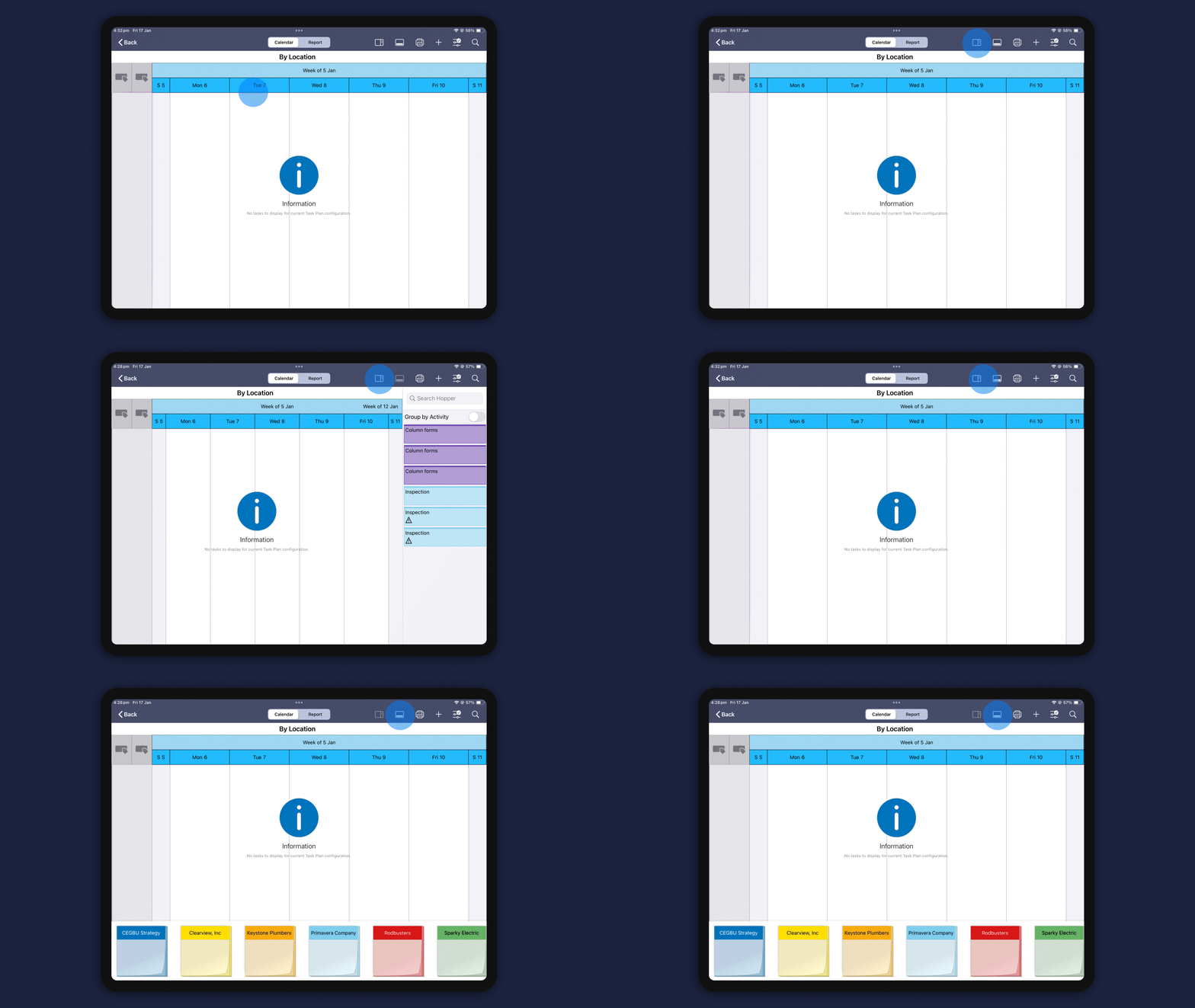
- On a tablet, we added the hopper, so you can manage tasks more efficiently. You can also enable the Quick Task Entry option to quickly add tasks using sticky notes.
- We added My Tasks to the homepage, so you can view your assigned tasks, update statuses, collaborate with your team, and more.
Work Plan page
On the Work Plan page in the Tasks app:
- You can now edit task plans to make any needed corrections or delete them if they're no longer needed.
- We added an icon to task cards, so you can easily identify if a task has an active discussion without drilling into the details.

Risk analysis
On the Risk Analysis page, we made various upgrades to risk distribution results.
- We added Optimistic, P50, and Pessimistic marker lines to better portray those values.
- We also added a Deterministic marker line, which shows the distribution of finish dates in comparison to the scheduled finish date.
- You can hover over a data bar to view additional information.
- You can see a Pre-Response and Post-Response histogram to view how response actions are impacting the project.

Baselines
We made a couple of enhancements to baselines:
- Baseline fields are now available to charts, which allows you to compare the planned schedule against the current schedule.
- You can now filter on baseline fields when creating a report to help drive important project decisions.

Noteworthy mentions
- On the Activities page, we included an ordinal date timescale in the Gantt chart, which is helpful for communicating high-level project and/or schedule timelines when activity dates are unknown.
- After importing an XER or XML file, you now have the option of running the schedule and recalculating costs automatically to ensure data accuracy.
- On the Assignment List page, we added the ability to manually edit future-period resource spreads for an activity over days, weeks, months, quarters, or years.
- You can now add notebooks topics at the work breakdown structure (WBS) level to provide additional project information to your team.
- On the Activities page, Full Time Equivalent (FTE) calculations for Role Usage and Resource Usage now use calendar hours for the selected time period, ensuring accuracy across weeks, months, quarters, or years.