Notebook topics
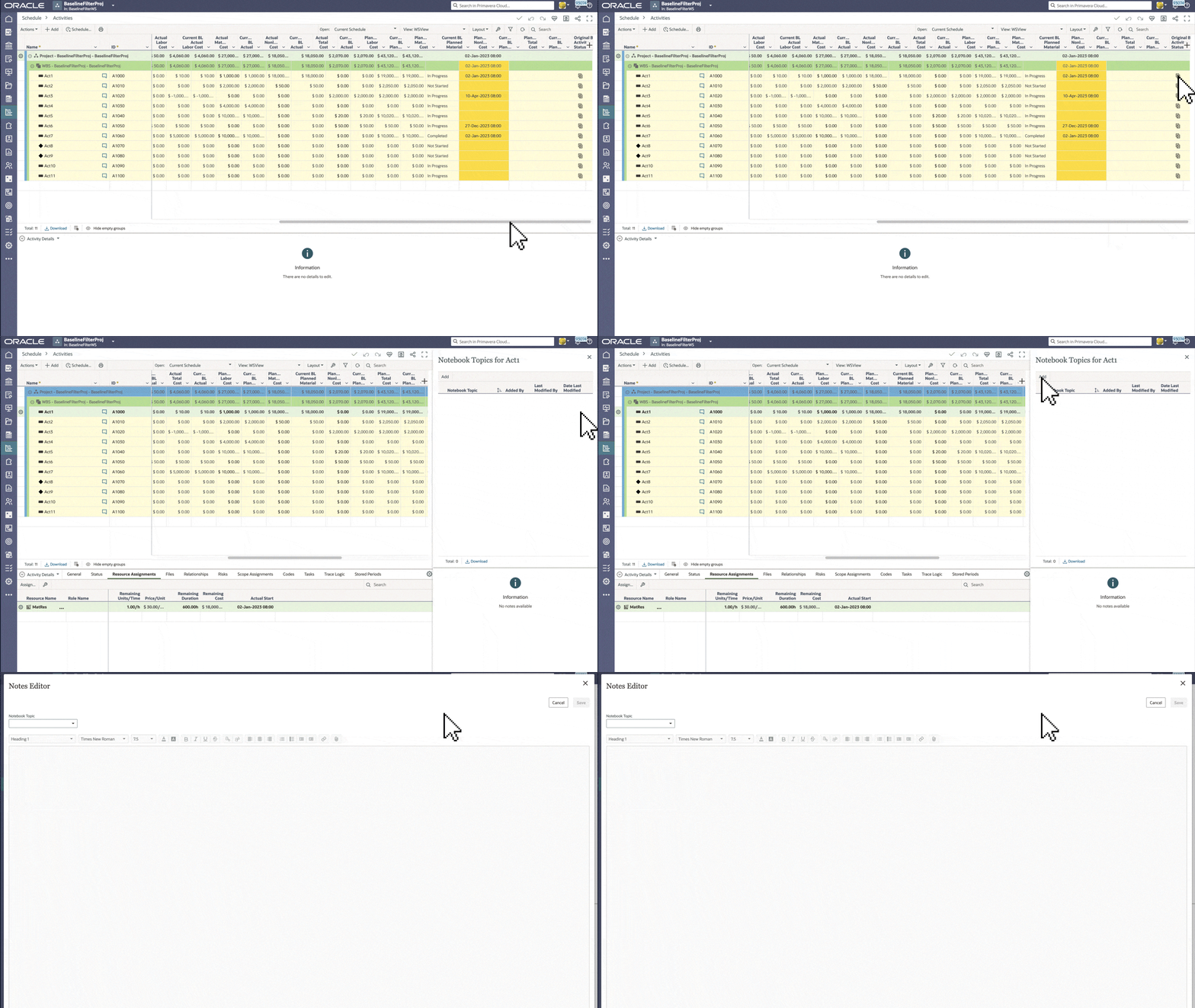
- On the Activities page, you can use notebook topics to provide more information about activities to your project team.
- You can include file attachments, images, and hyperlinks in your notes for additional context.
Multiple float paths
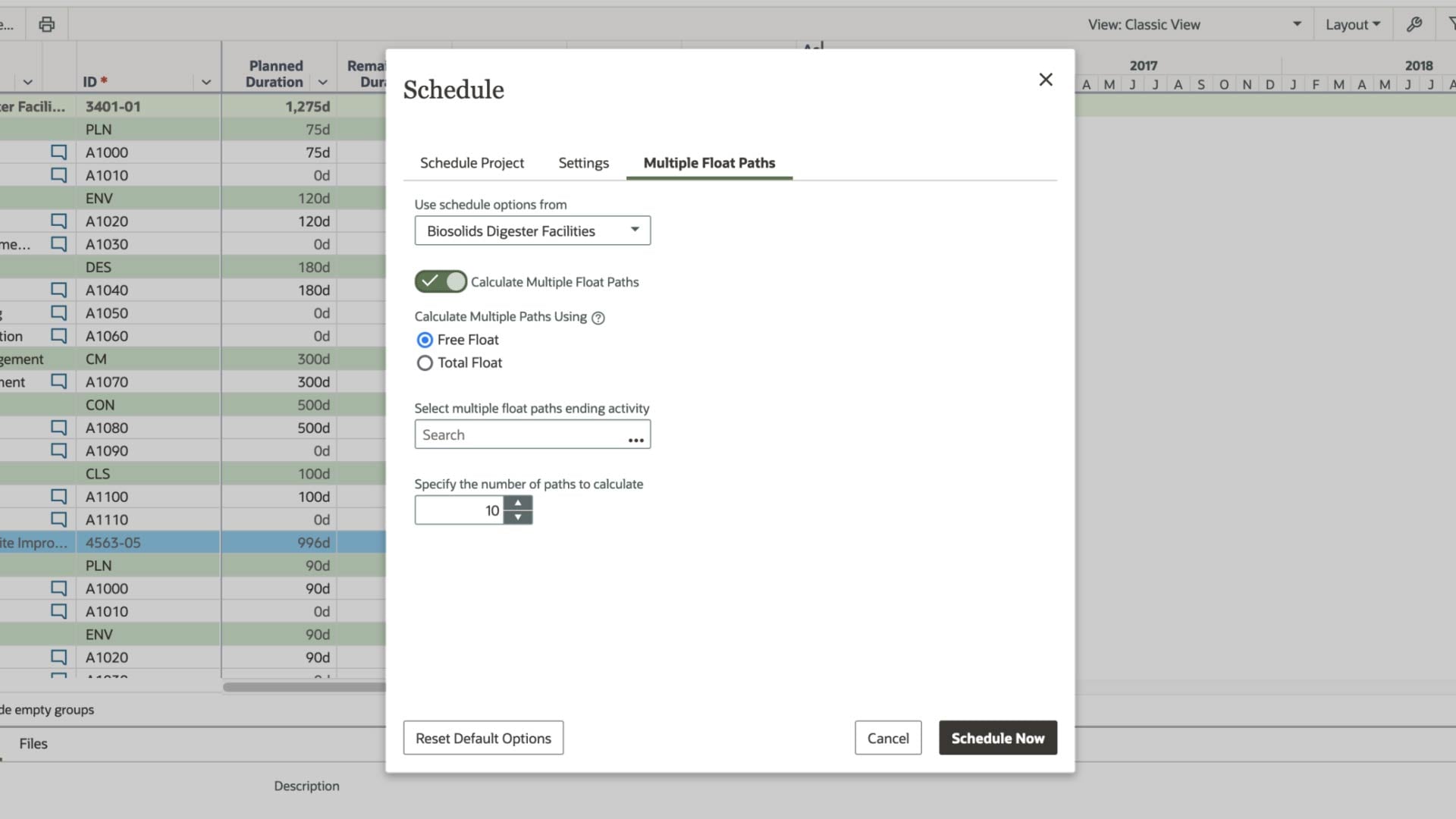
- On the Activities page in a program, you can schedule all projects using multiple float paths.
- This allows you to analyze critical paths and evaluate project timelines.
Task enhancements
In both the Primavera Cloud web-based version and mobile app, you can:
- Organize swimlanes by your work breakdown structure on the Work Plan page.
- Assign project-level codes to tasks to sort, filter, and/or group them as desired.


Noteworthy Mentions
- To improve efficiency, you can use a workflow to run reports and send them via email to desired recipients.
- You can now export baselines and scenarios as projects in the XER file format and import them into P6.
- In the Primavera Cloud mobile app the WBS, activities, and codes now display in a hierarchical list, making it easier to filter, find, and assign values.
- Additional grouping and sorting options are available on the Portfolio Scorecard page, so you can display data as desired.
- On the Assignment List page or the Resource Usage or Role Usage tabs on the Activities page, you can download the entire resource spread data for a project, workspace, or program for further reporting and analysis in Excel.
- In the Risks app, BetaPert is now available as a distribution type when defining risks and activity uncertainty.