How to log in to Submittal Exchange
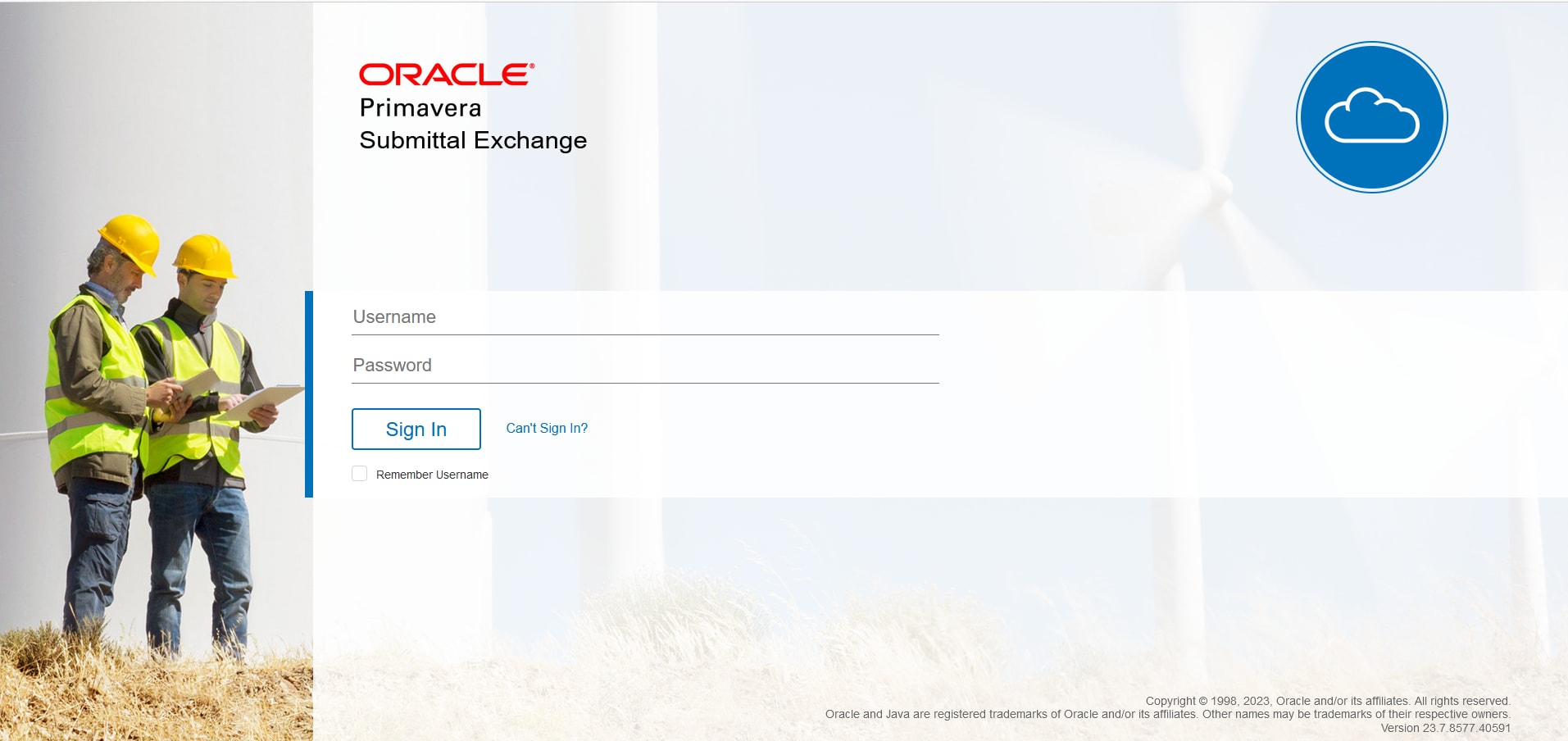
Login to Submittal Exchange
New customers receive an initial email from notifications@submittalexchange.com with their username and password. Your username will be your full email address. Log in to Submittal Exchange by going to https://www.submittalexchange.com/pub/Login.aspx.
Troubleshoot login problems
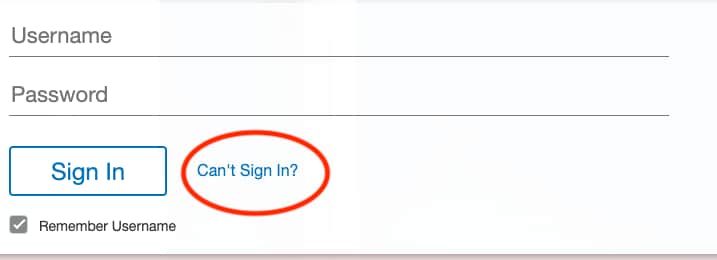
If you have trouble logging in, click the "Can't Sign In?" button and reset your password. If we find your email ID in our system, then you'll receive an email with instructions for resetting your password. If you don't receive an email, kindly check if the email address is correct. For immediate assistance, please contact us at (800) 714-0024 x2 or create a Service Request (SR) using the 'Ask a question' form.
Tip!
If you don't receive an email from Oracle with your login credentials, check your email account's spam or junk email folder, or reach out to your Customer Success Manager or Application Administrator. Also, add notifications@submittalexchange.com to your address book or list of approved contacts.