Log Types
What are logs?
Logs are like drawers to a file cabinet. Use them for organizing information, like storing and reviewing documents.
Who can create logs?
Users who have a Project Leader role are able to create/edit logs on your project.
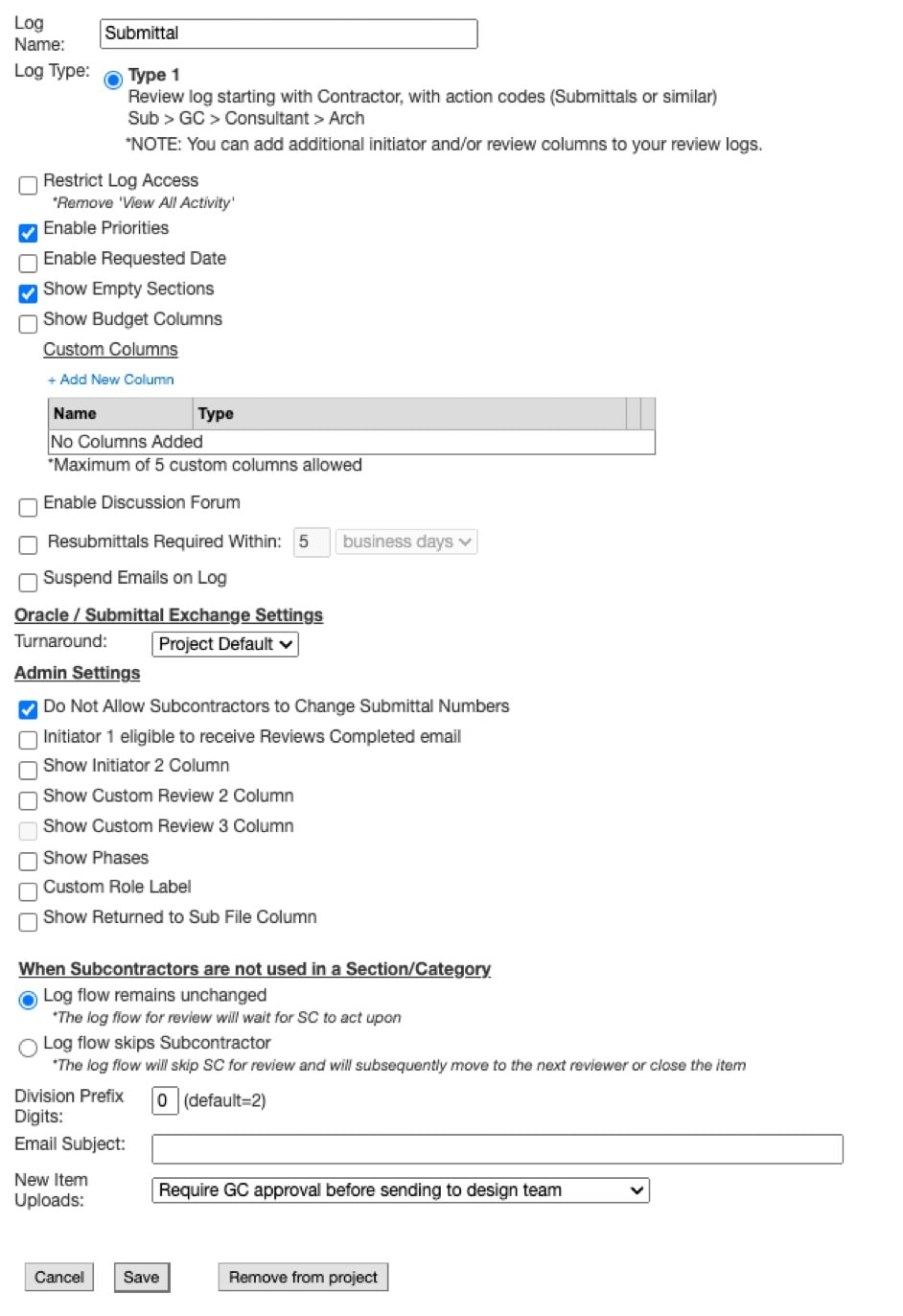
Log Type 1
Log Type 1 is a review log that is initiated by the Construction team (or Contractor).
- Includes Review codes
Organized by section number along with descriptions including submittal expected items (Submittals or similar).
After the Construction team iniaties the log, the review process follows these steps: Subcontractor → General Contractor → Consultant → Architect.
Log Type 2
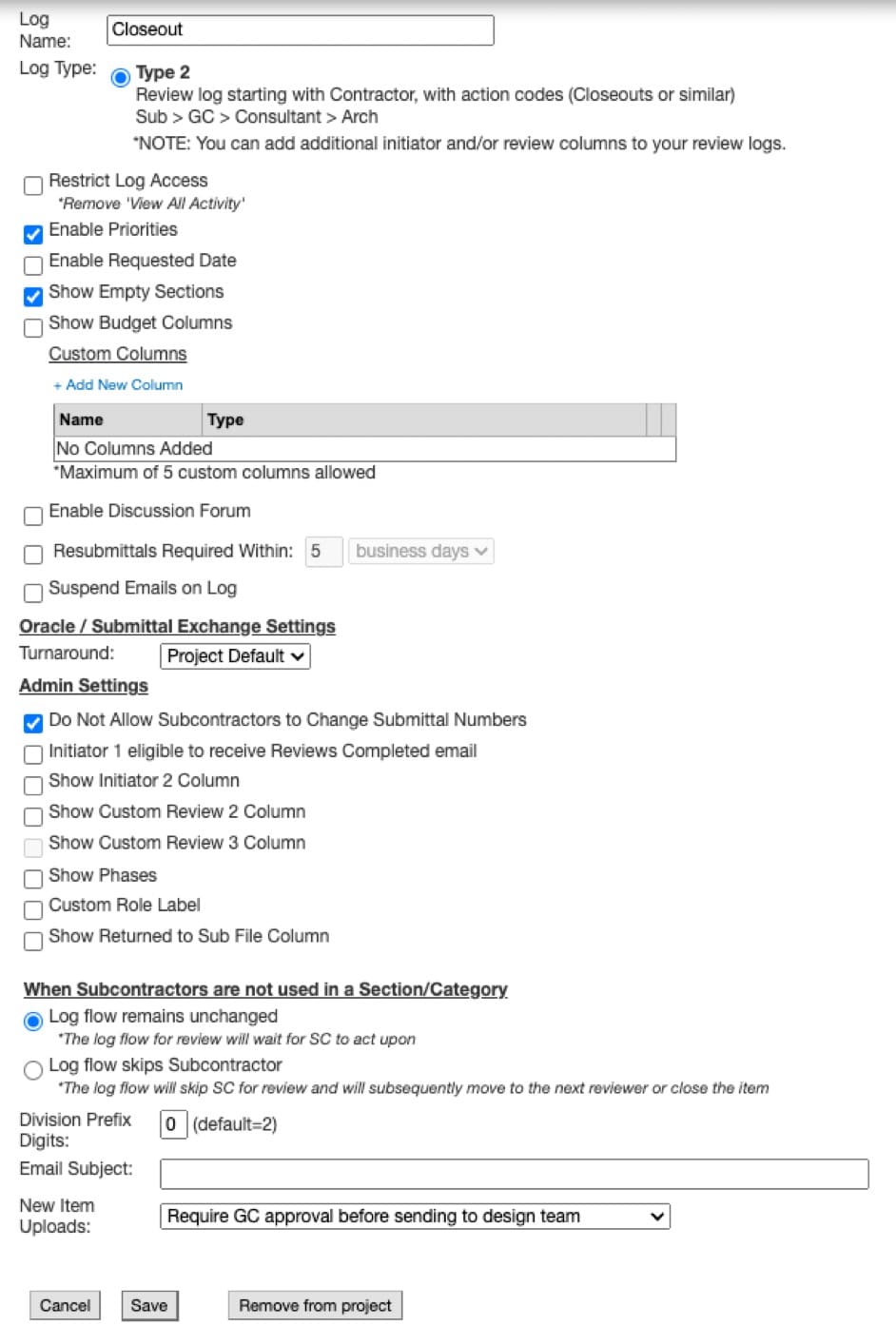
Log Type 2 is a review log that is initiated by the Construction team.
- Includes Review codes
Organized by section number along with descriptions including closeout expected items (Closeouts or similar).
After the Construction team iniaties the log the review process follows these steps: Subcontractor → General Contractor → Consultant → Architect.
Log Type 3
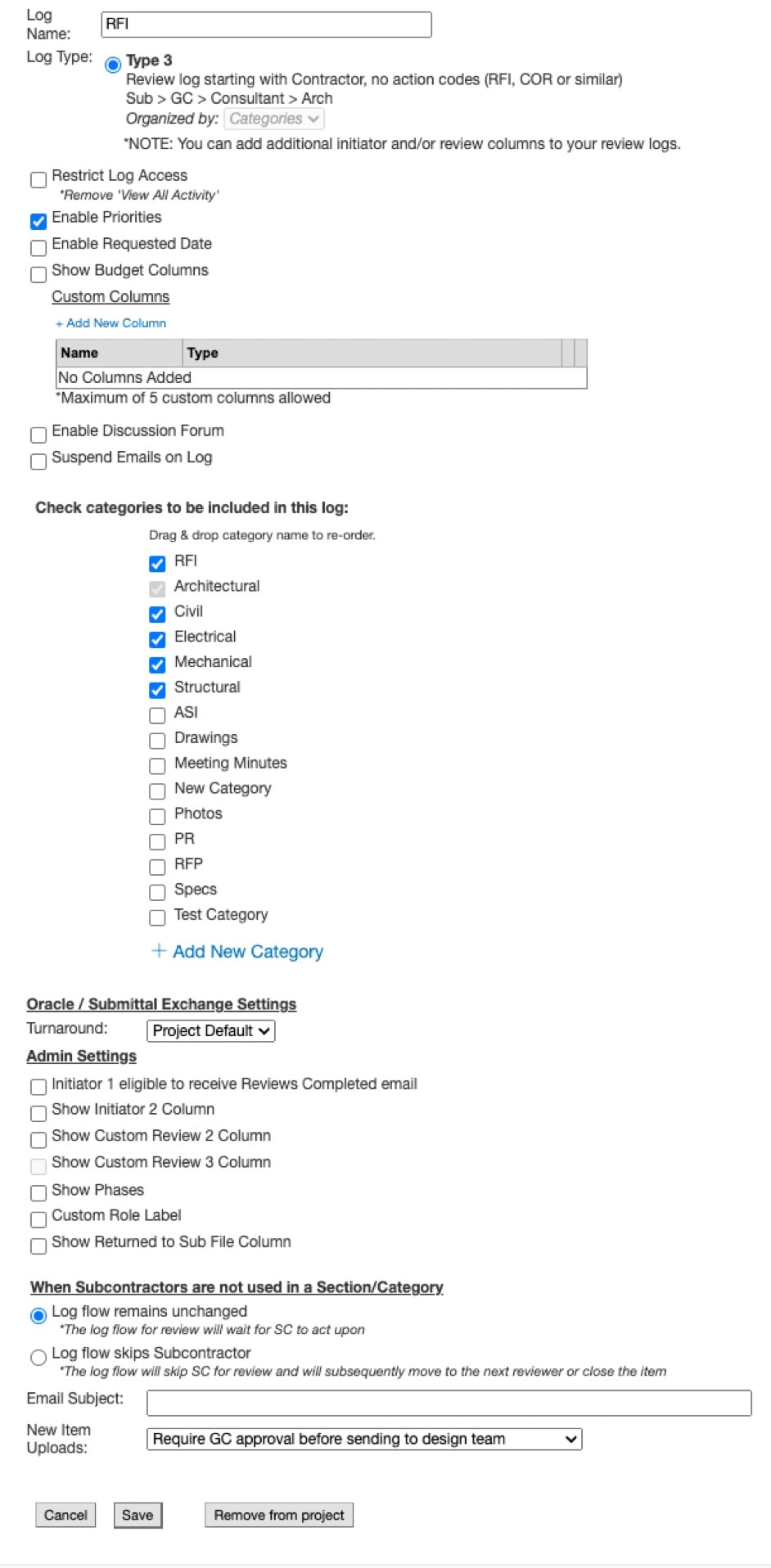
The Construction team can also initiate Log Type 3, which is for categories like Request for Information (RFI) or Change Order Requests (COR).
- Does Not include Action codes
After the Construction team initiates the log, the review process follows these steps: Subcontractor → General Contractor → Consultant → Architect.
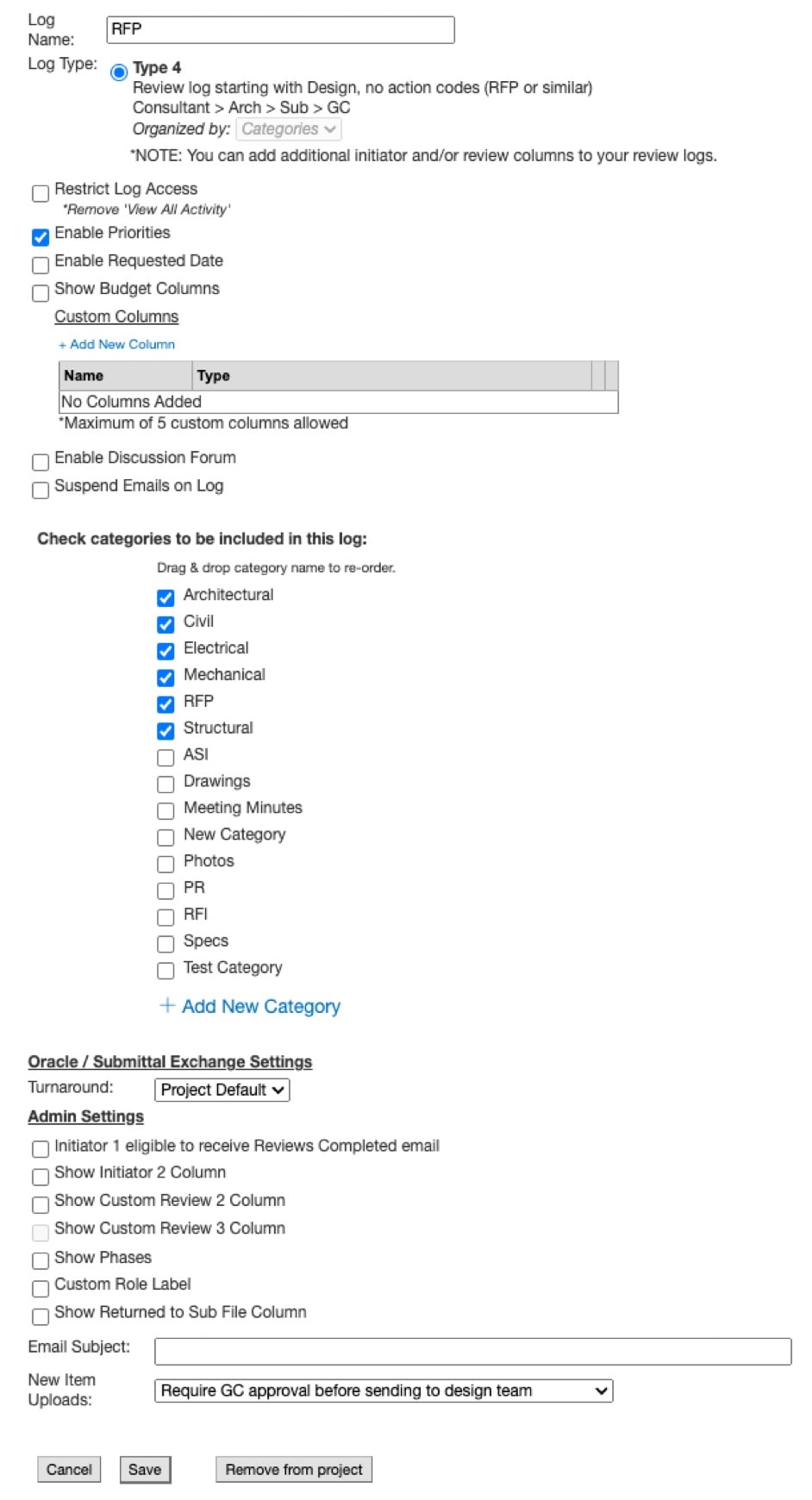
Log Type 4
Log Type 4 is a review log that is initiated by the Design team.
- Does Not include Action codes
Organized by categories such as Request for Proposal.
After the log is initiated by the Design team, the review process follows these steps: Consultant→ Architect → Subcontractor → General Contractor.
Log Type 5
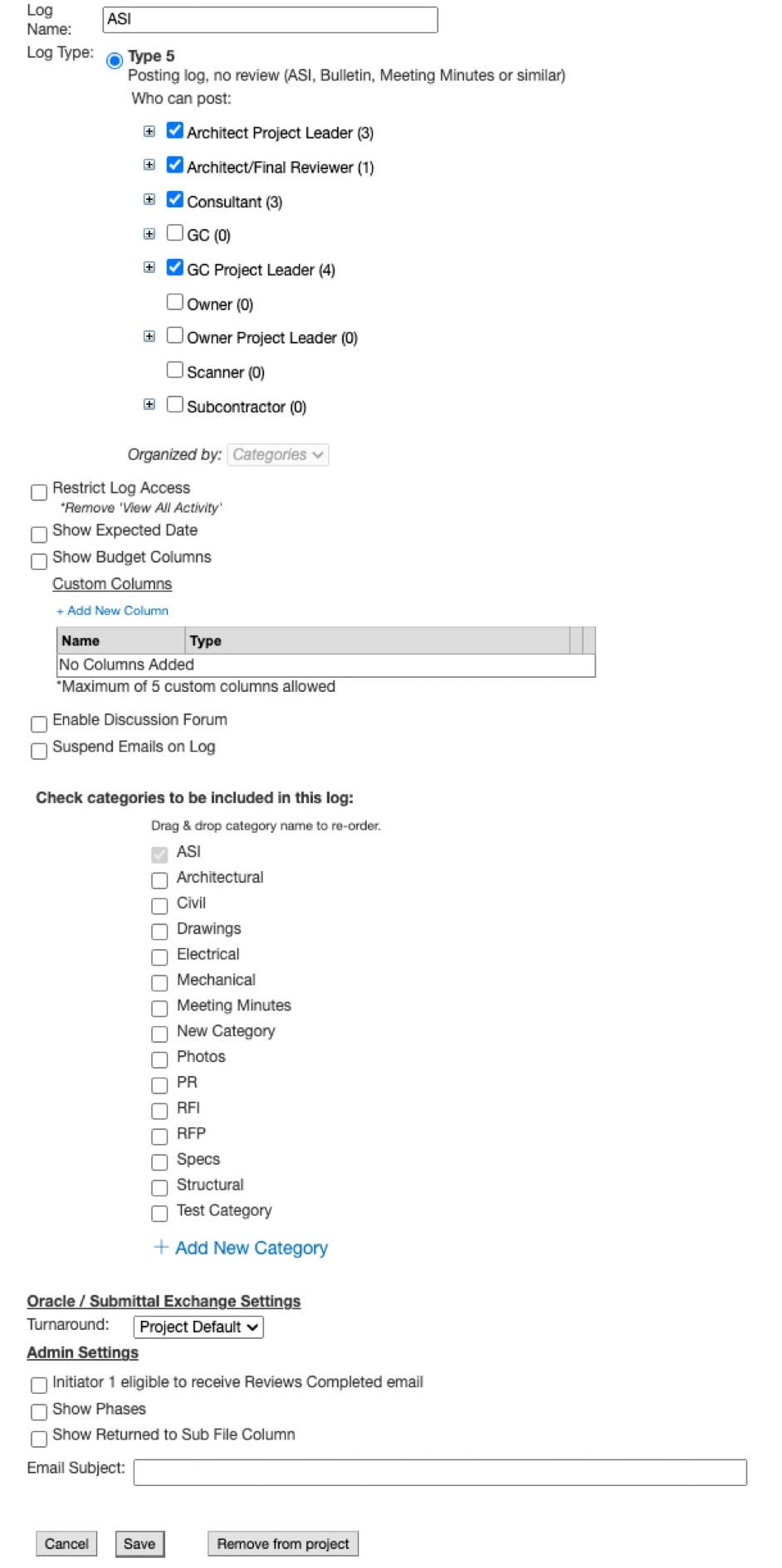
Log Type 5 is a Posting-only log. Does not include a review process. Organized by categories such as Architect's Supplemental Instruction (ASI), Bulletin, and Meeting Minutes.
Log Type 6
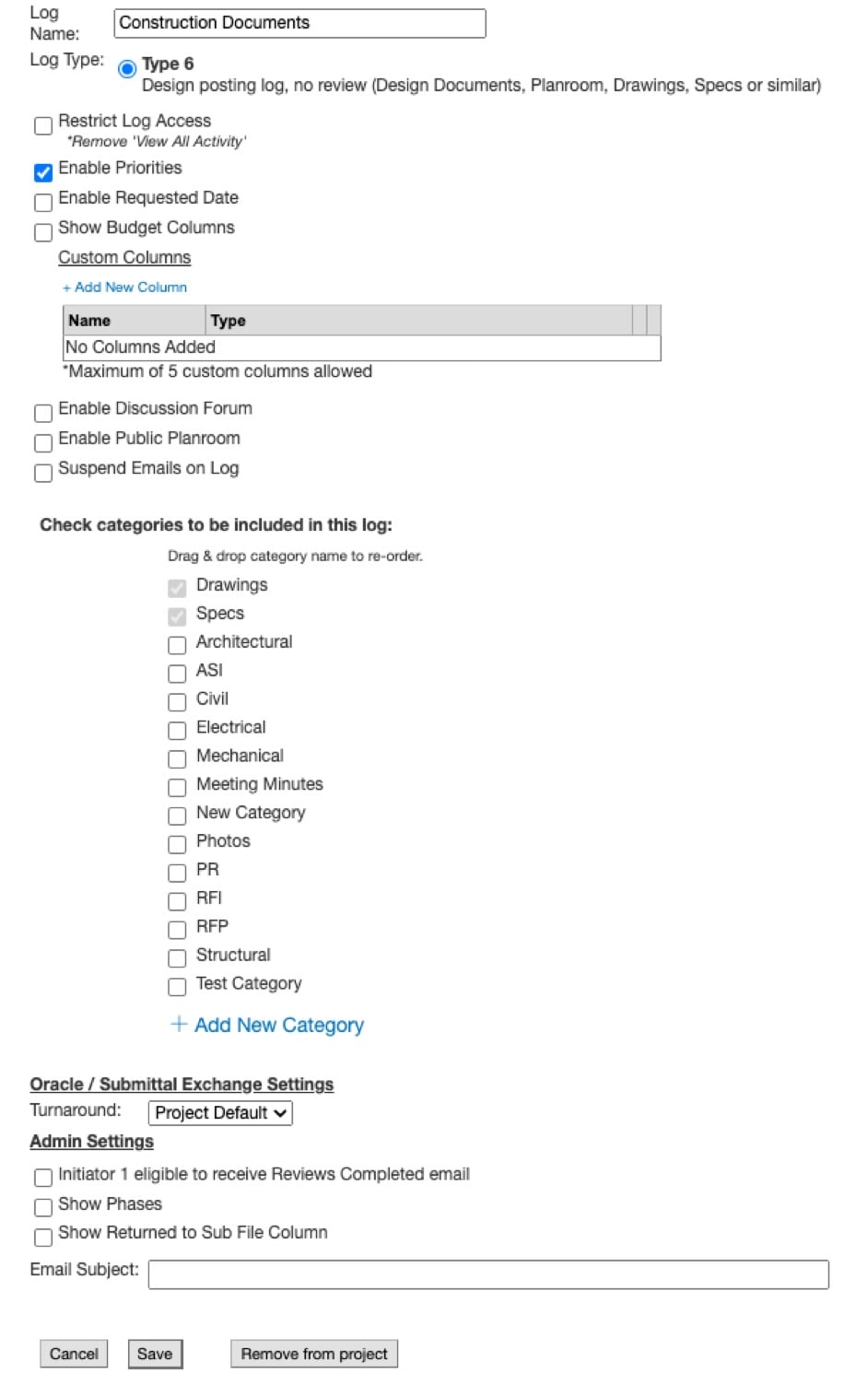
Log Type 6 is a Design posting log and is typically used for larger files. Does not include a review process. It is organized by categories such as Design Documents, Planroom, Drawings, and Specifications.
Log Type 6 has the capabilities to break out a multi-page PDF into individual page/lines. You can create a unique URL to allow non-team members to view the contents of Log Type 6 without being added to the project. Try this functionality with Planroom files.
Log Type 7
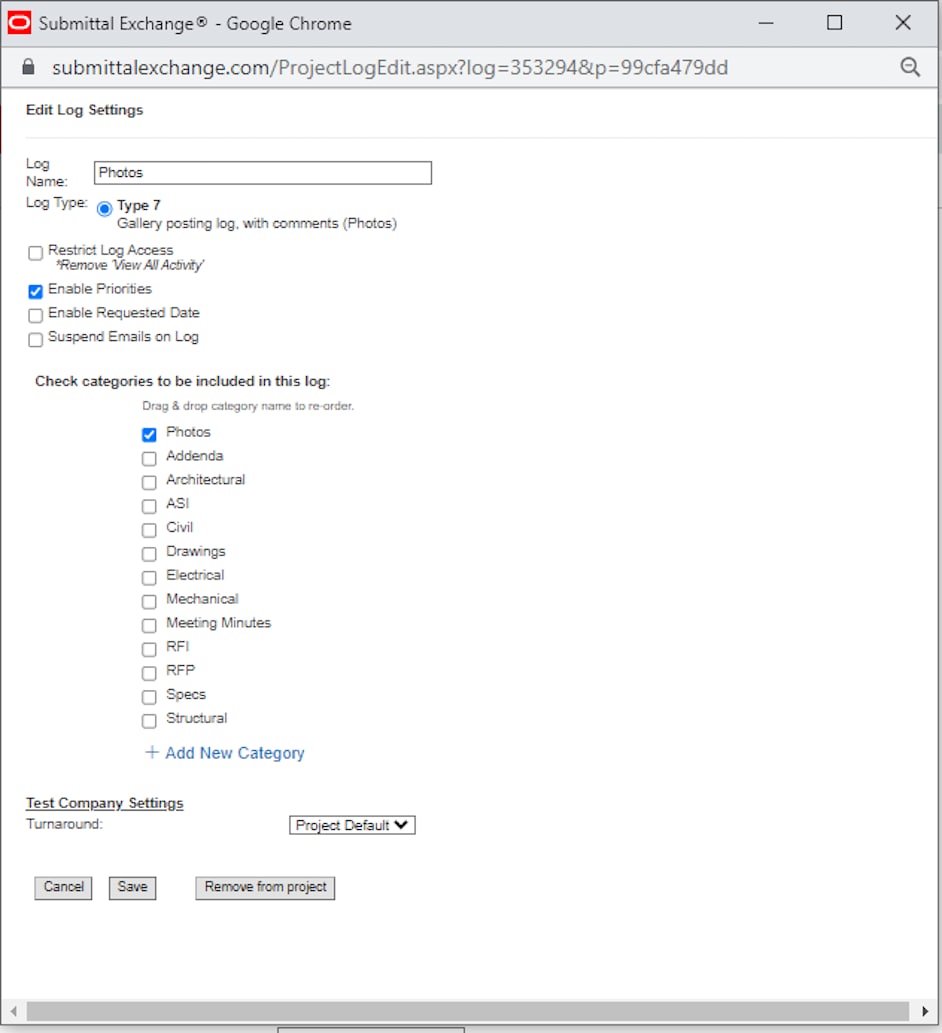
Log Type 7 is a Gallery posting log. Use this log to store photos. It does not include a review process.
Log Type 8
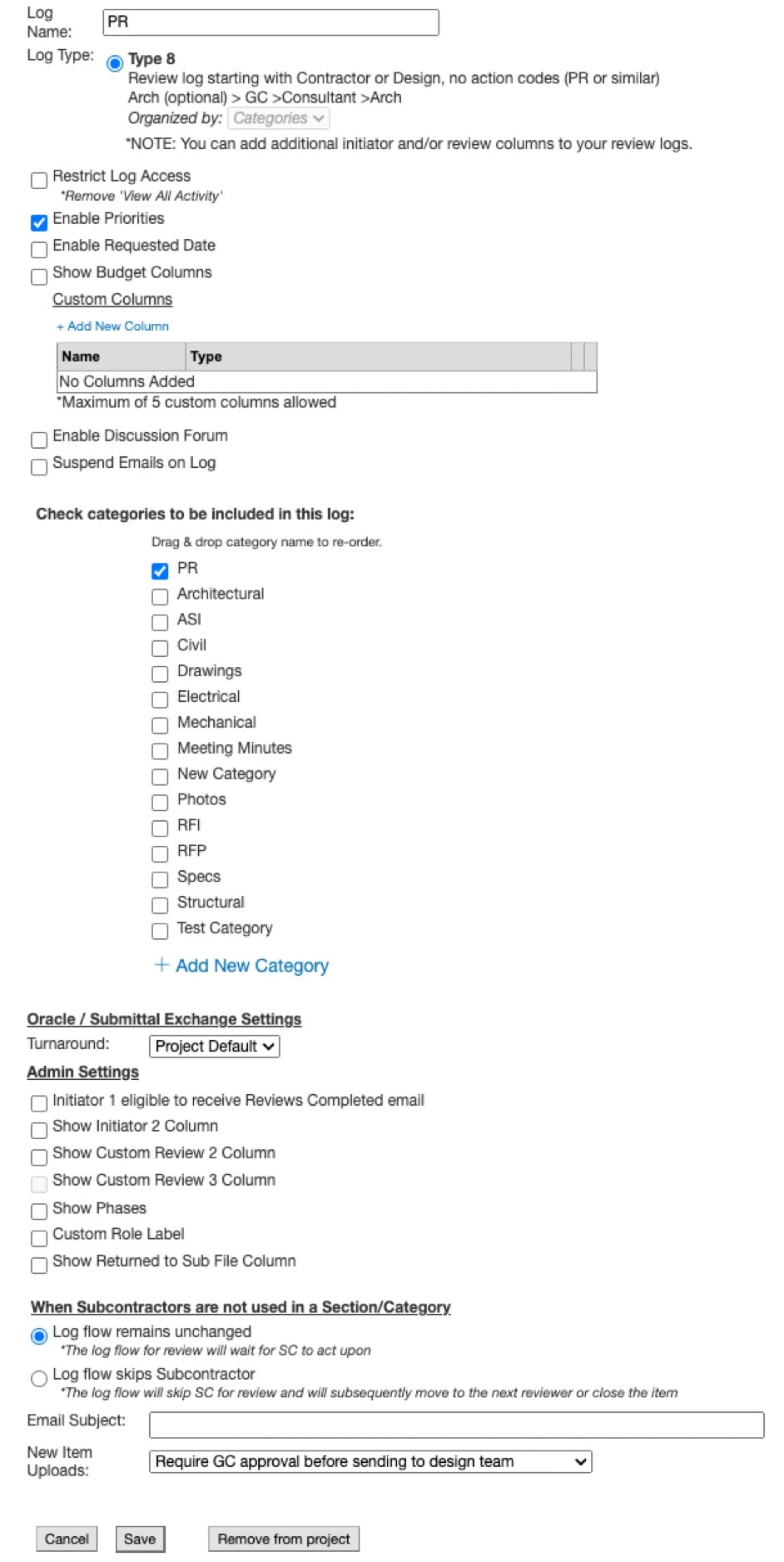
Log Type 8 is a review log that is initiated by the Contractor or Design team. There are no action codes. It is organized by categories such as a Pricing Request. After the log is initiated by the Contractor or Design team, the review process follows these steps: Architect (optional) → General Contractor → Consultant → Architect.
Log Type 9
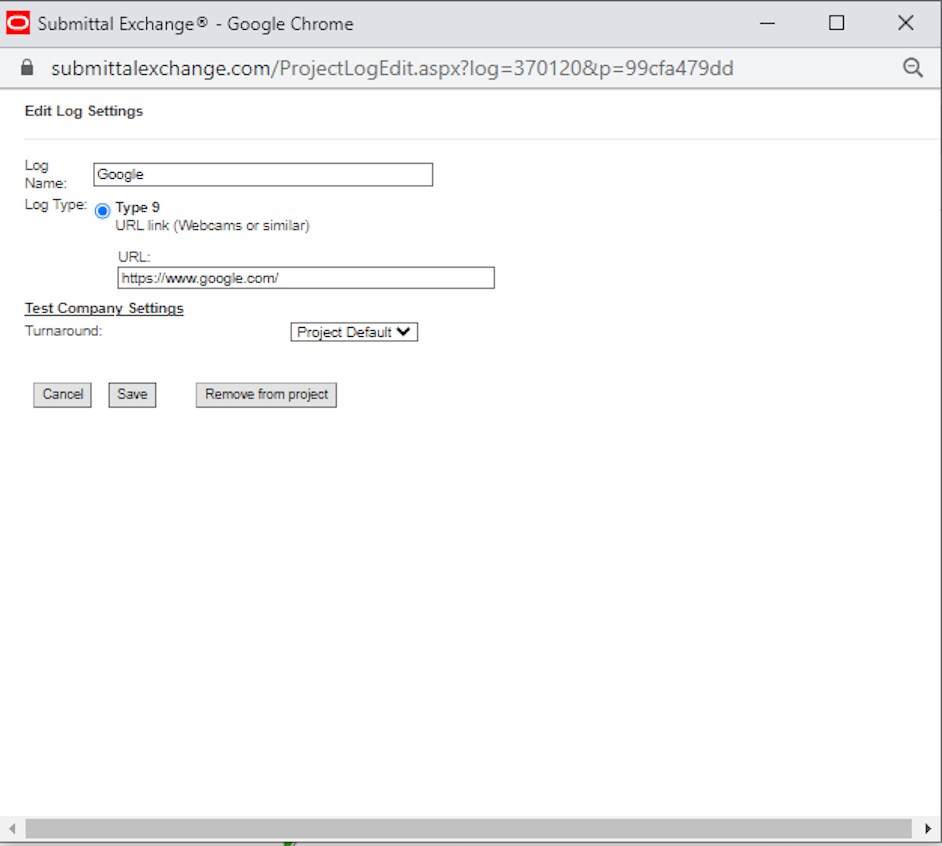
Log Type 9 is a URL link. You can link to webcams or anything similar.
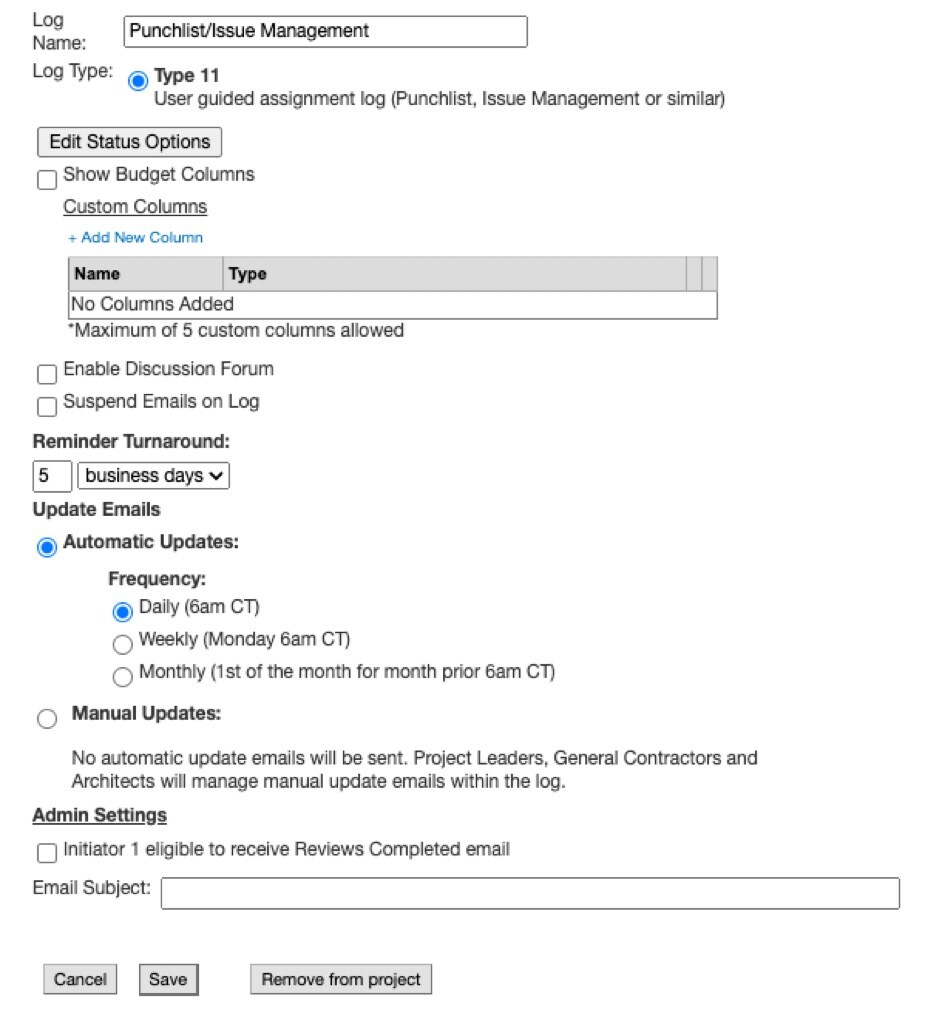
Log Type 11
Log Type 11 is user guided assignment log. It is used for items such as a Punchlist, or Issue Management.