My Oracle Support
My Oracle Support (MOS) is your portal for finding answers to your questions and contacting Support.
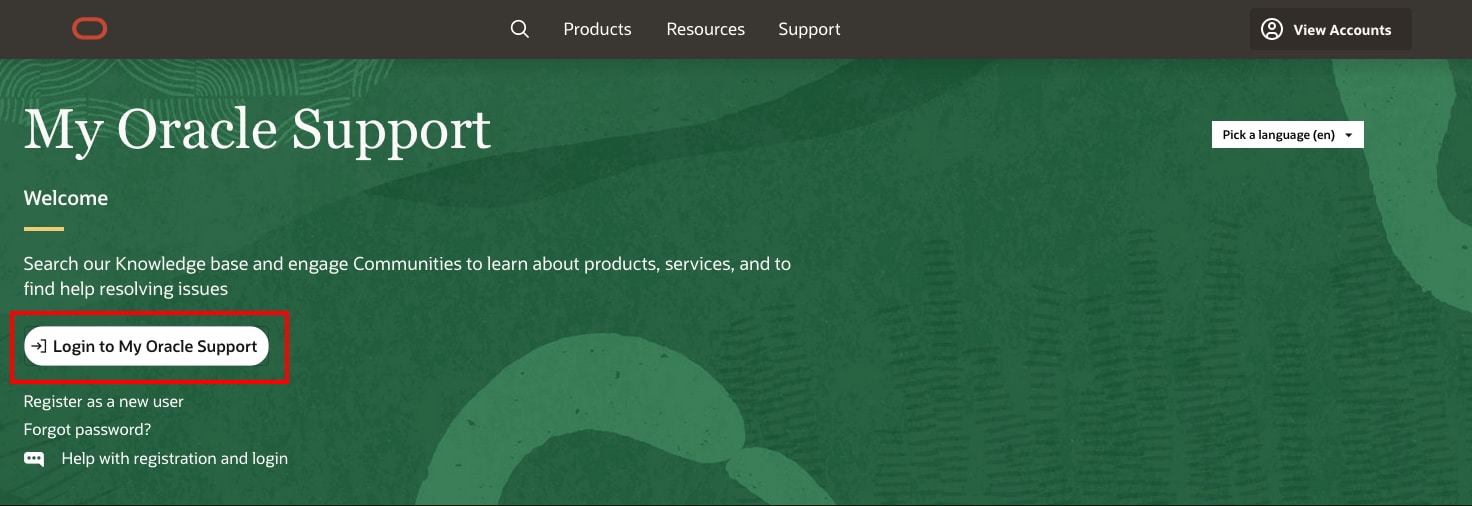
Complete the registration form.
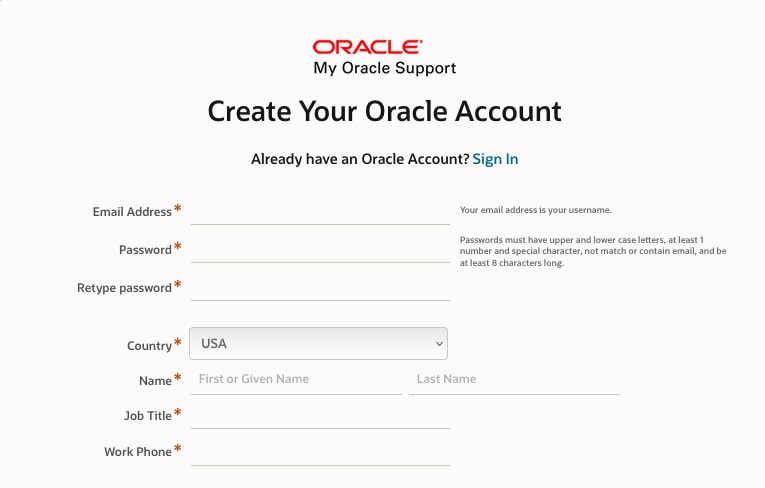
You'll receive an email from Oracle to verify your email address.
After you've confirmed your email address, return to support.oracle.com and select Login to My Oracle Support.
Users will be asked to enter their organization’s Support Identifier (SI) number. Your MOS administrator, also known as the Customer User Administrator (CUA), will have this number, as it was included in the welcome email they received.
Tip!
If you don't have your Support Identifier (SI) or know who your Customer User Admin (CUA) is, call Support. You can find your region's number listed here.
Getting help
In MOS, you can get help in several ways.
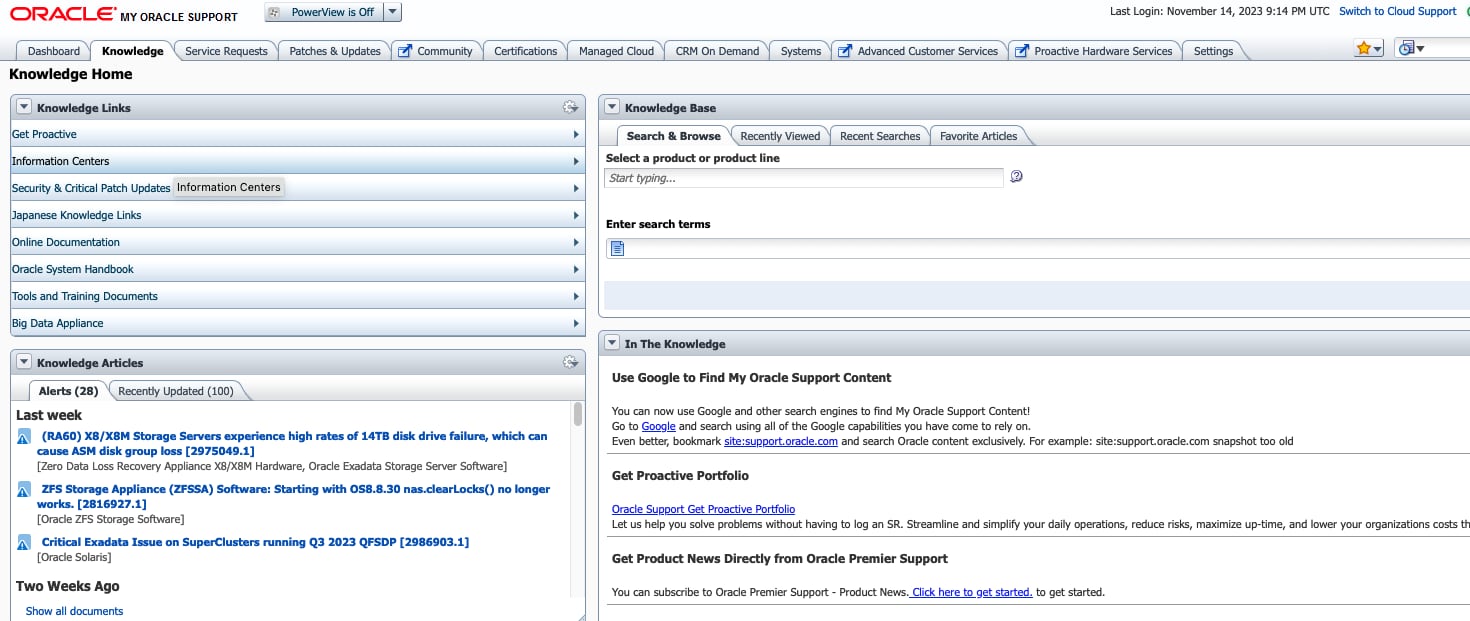
1. Get help 24 hours a day via the Knowledge tab. Search articles to find answers to your questions.
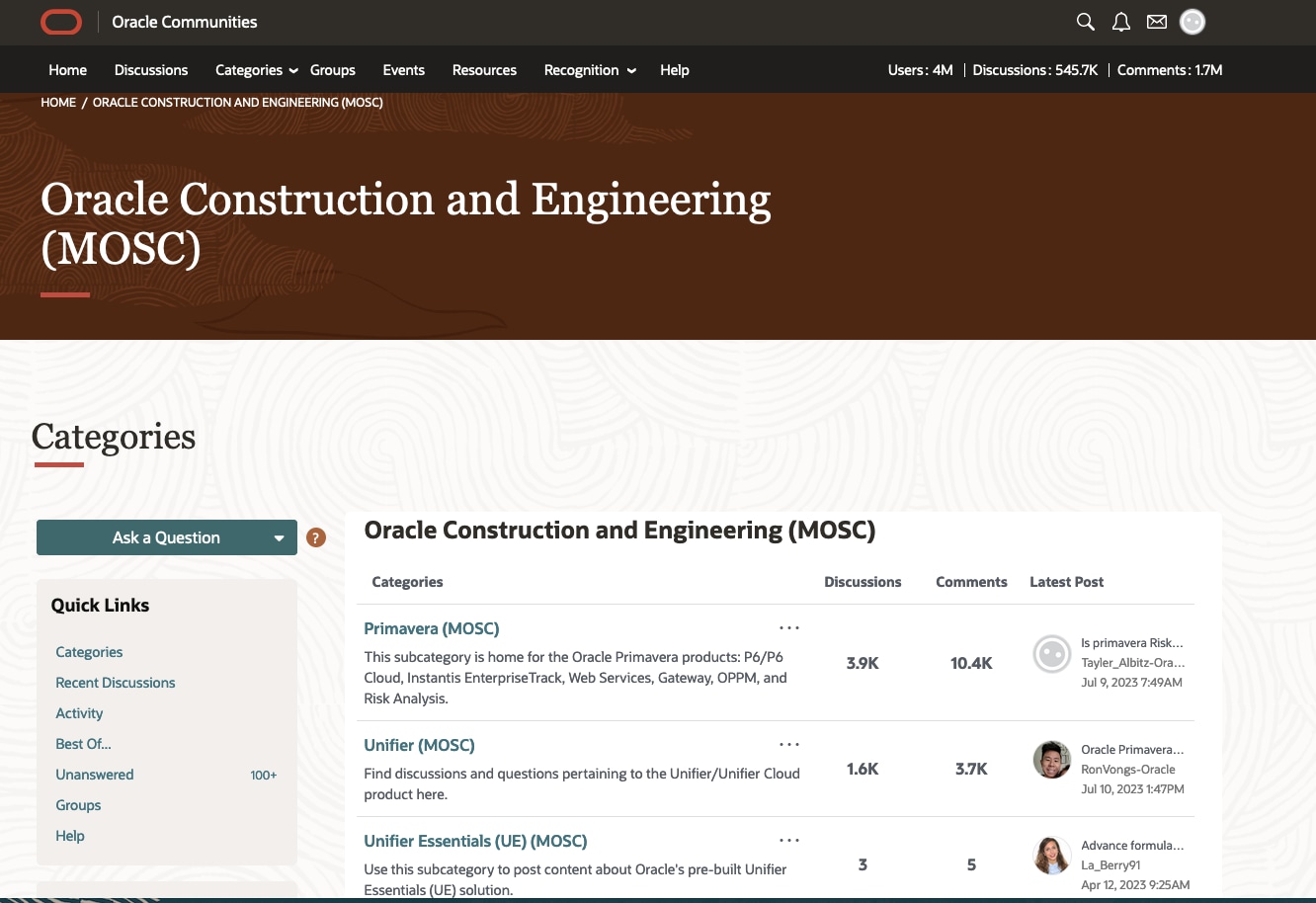
2. Select the Community tab to be directed to Oracle Support Community. This is where you can get help from other users and make recommendations to Oracle Product Management. Click here to go to the Oracle Construction and Engineering homepage. Select your product to find applicable content.
Tip!
Be sure your organization's SI number is linked to your MOS account. That way, you can vote for features or enhancements in the Community.
3. Submit a Service Request (SR) to get in contact with Support. If you don't have access, ask your CUA to give you permissions to create and update SRs. When submitting a request, assign the correct severity level in the problem description. Please see the Severity Definitions section in the Oracle Cloud Hosting and Delivery Policies or the Technical Support Policies.
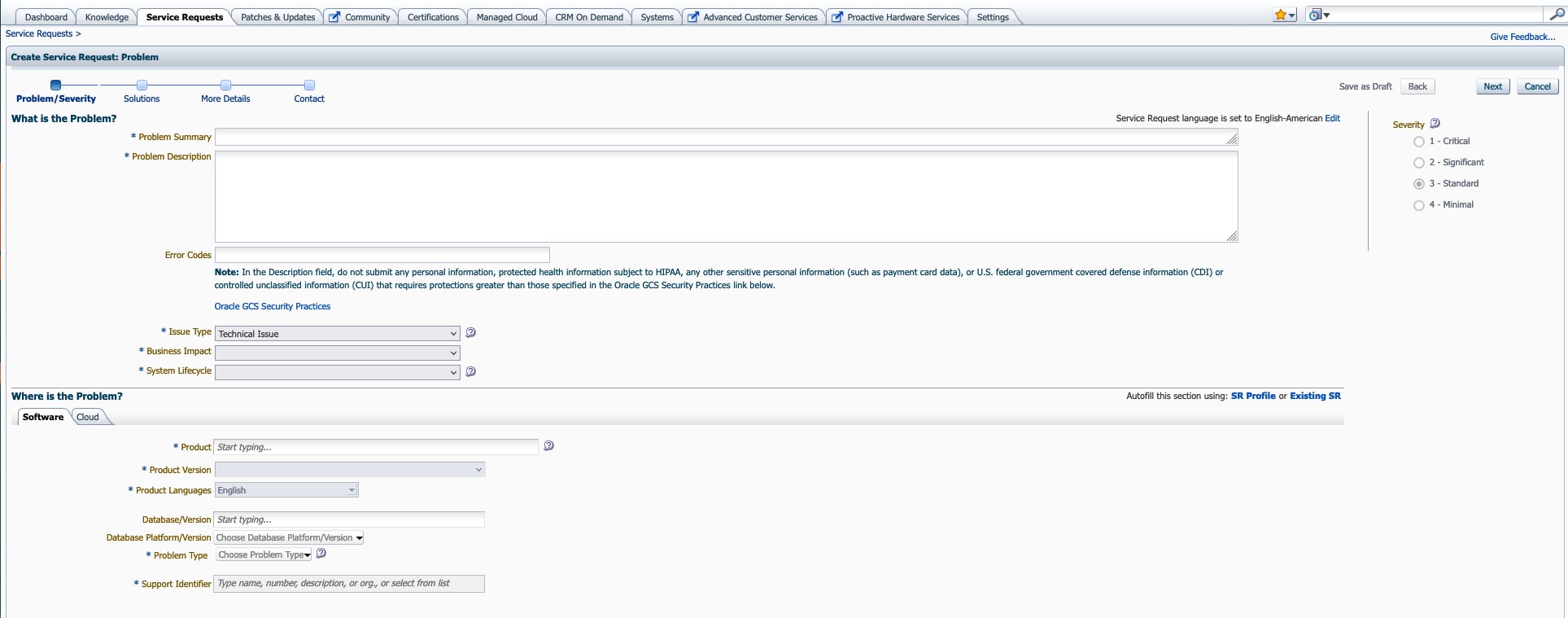
Tip!
If your issue is urgent, you can ask Support to work on the request 24 hours a day. You'll need to provide a contact who will be available to work with Support on a 24-hour basis. Check out this video series for more on SR management. Note that you'll need a MOS account to view these videos and other linked MOS content in this article.
Escalating Service Requests
If needed, you can escalate your SR, which is typically done in the following scenarios:
- Your SR is taking longer than expected to reach a resolution.
- You need to communicate important business issues to a Support manager.
- You're dissatisfied with the SR resolution.
If you choose manager attention, you can call Support to escalate your issue. This is the preferred method if your issue requires immediate attention. You can find your region's number listed here. You'll be asked for your SR number and how the issue is impacting your organization.
Alternatively, you can complete the Request Management Attention template and add it to your SR. Read more about requesting management attention.
Customer User Admin
If you have an Oracle Cloud product, the administrator on your Oracle order will automatically be assigned the CUA role in MOS.
If you have an on-premise Oracle product, the first person to register on MOS using the organization's SI number will be assigned the CUA role.
Typically, the CUA is the same person who’s the administrator for your Oracle products.
As a CUA, you'll be responsible for approving new users, managing user access, and submitting SRs. Users can submit and manage their own SRs - you'll just have to give them permission in MOS.
We recommend having at least two CUAs. This ensures you can still get support if a CUA leaves the company or is on leave.
New users must register on MOS and request access to your organization's SI. Then, as the CUA, you can approve their access and assign the CUA role if needed. You can assign, transfer, and remove CUA access as needed.
Tip!
Check out this reference guide to learn more about the CUA role or how to request a new CUA if the person originally assigned isn't available. Select CUA Role and Responsibilities for instructions to approve and manage user access.