Getting help from the Oracle Construction and Engineering Support Portal
It's easy to get in touch - we're here to help
If you have a technical question, our knowledgable team can help. We have several ways to get in touch with us. If it's urgent, you can always give us a call.
- Raise a Service Request - Submit a Service Request with a simple form. No login needed.
- Log in/ Sign Up to the Support Portal - Track, manage, and raise Service Requests.
- Call us - Speak with our knowledgable team.
Before you get in touch
Before raising a request, check the Construction and Engineering Hub. It's easy, you're on the Hub now. Here, you'll find user guides, video training, and release information for each of our product's which should answer many commonly asked questions.
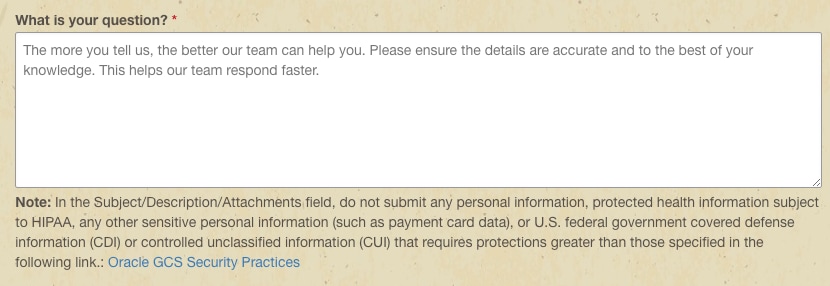
If you can't find your answer and need to contact Support, be sure to provide us with as much information as possible. A detailed Service Request means we can help you get an answer quickly.
How do I submit a Service Request (SR)?
You have two options to create a new SR:
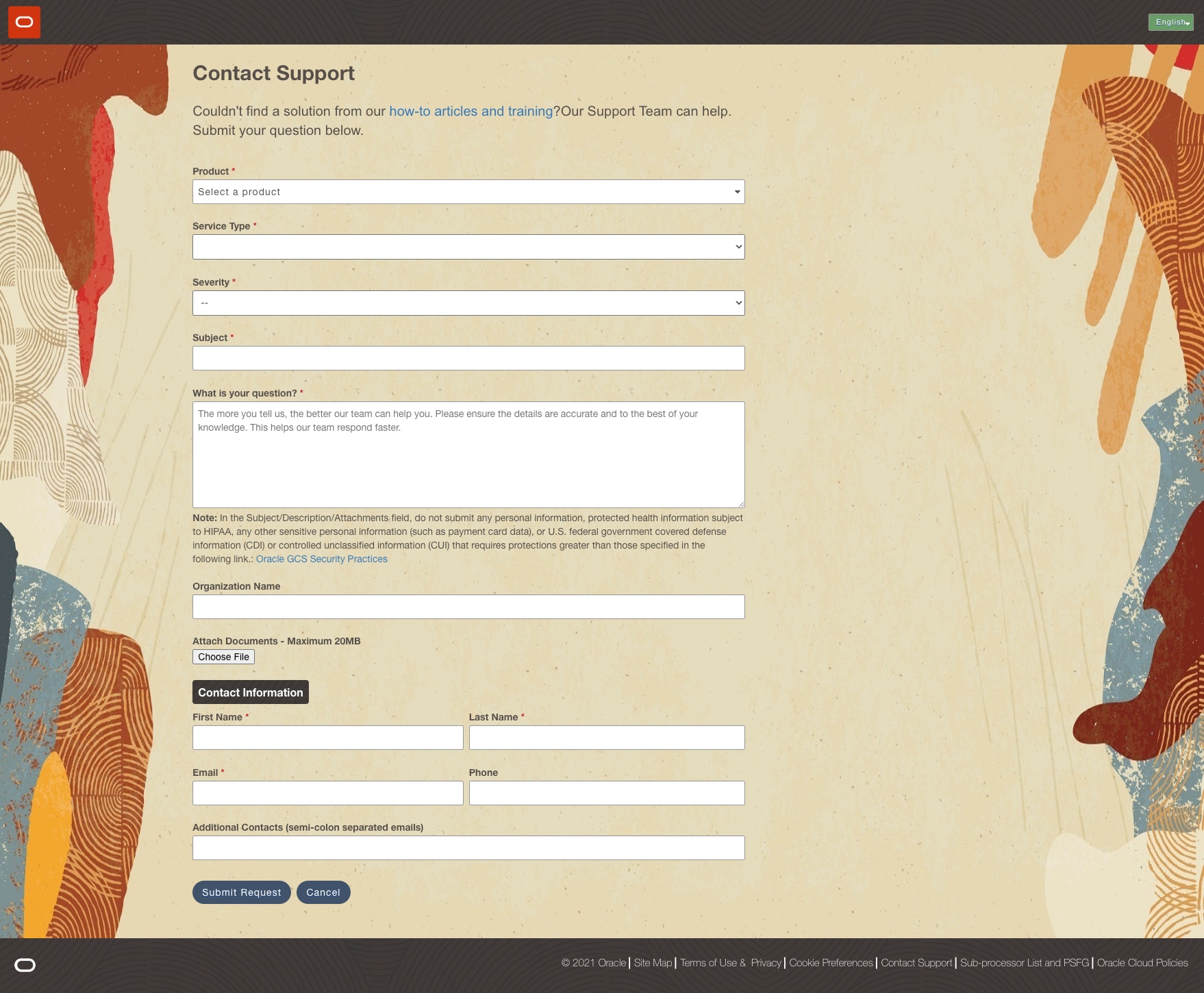
- You can fill out the Ask a question form, or
- Sign in to the Support Portal and Create a New Service Request from the Account Overview screen.
What information do I need to provide?
Tips on raising an effective Service Request (SR):
It's best to start with a clear description while completing your SR. We suggest including specific details on what is happening in your business, such as:
- Who is impacted? For example, is the issue impacting one user, multiple users, or multiple global locations?
- How often is the error or issue occurring?
- Is this specific issue critical to your primary business functions?
For errors, provide a description of what you were doing when the error displayed including (if possible) the actions or steps that lead to the error appearing.
When raising a request, assign the correct severity level in the problem description. Please see the Severity Definitions section in the Oracle Cloud Hosting and Delivery Policies or the Technical Support Policies.
Make sure to include contact details for your organization. It's important a main contact is available so that we can follow up on your request. You can include additional contacts in the fields provided.
When can I expect a response to my Service Requests?
After raising an SR, you'll receive a confirmation email. Make note of your SR number located in the subject line of the email you received when you raised your request.
It's also a good idea to review the details included in the SR. If you need to make an update, simply reply to the email. All details leading up to your resolution are contained in that SR.
Please allow up to 24 hours for our team to review your request. If your request is urgent, please call us. Contact numbers can be found here.
Escalating Service Requests
If needed, you can escalate your SR, which is typically done in the following scenarios:
- Your SR is taking longer than expected to reach a resolution.
- You need to communicate important business issues to a Support manager.
- You're dissatisfied with the SR resolution.
Please call Support to escalate your issue. This is the preferred method if your issue requires immediate attention. Support Hotline Numbers are listed here. Note that you'll be asked for your SR number and how the issue is impacting your organization.