Oracle Backend with Firebase APIs (Fusabase)
Build your next mobile or web app directly on Oracle AI Database. This toolkit gives you open-source SDKs, authentication, document data, file storage, offline capabilities, security rules, and more, without adding another backend to operate. It ships free with ORDS.

How it Works
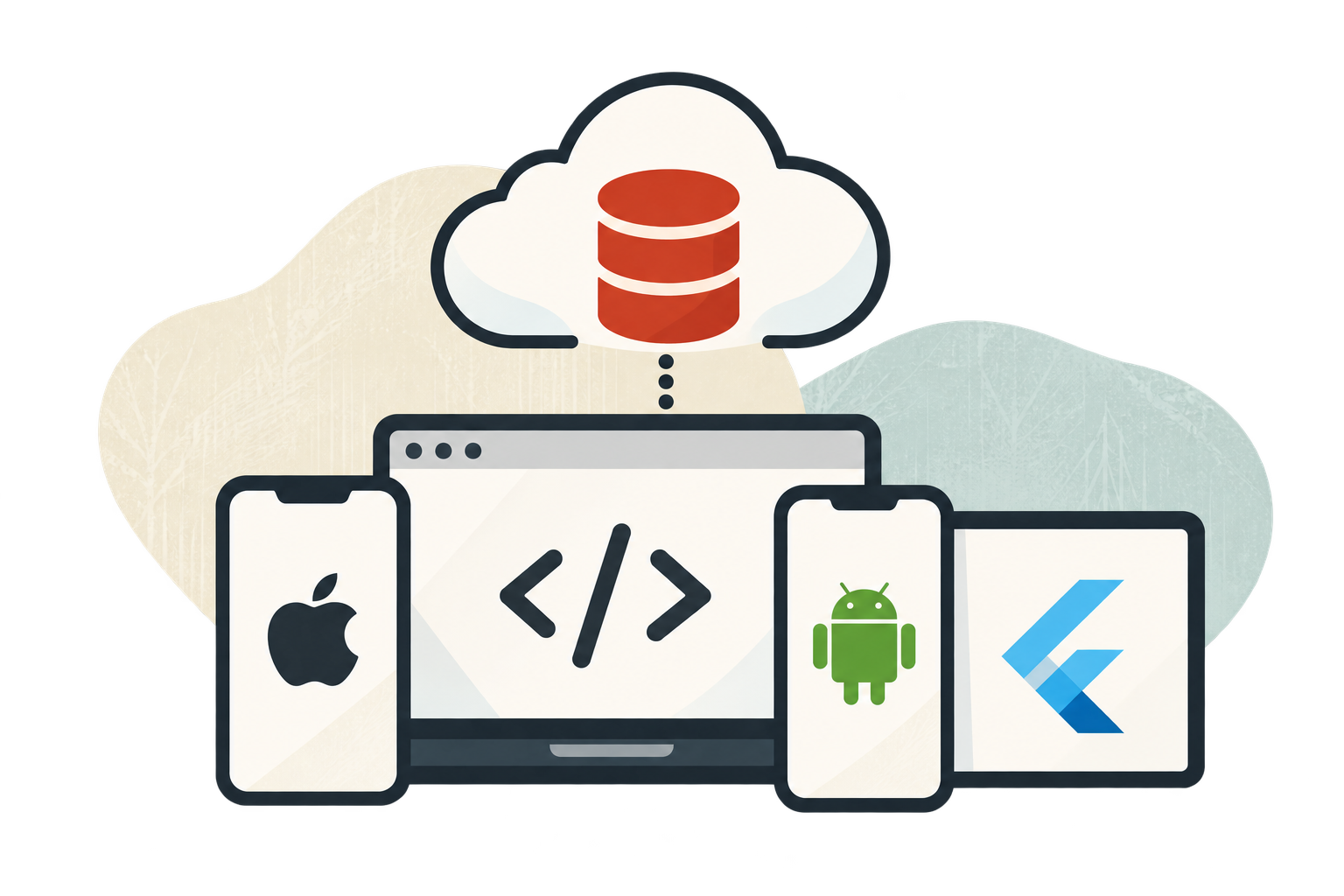
Build mobile and web apps with SDKs for iOS, Android, JavaScript, and Flutter. The toolkit runs on the Oracle AI Database and ORDS environment that you operate. Deploy on OCI, AWS, Azure, Google Cloud, on-premises, or Cloud@Customer. It ships free with ORDS v26.1.1+, and combines database-resident capabilities, APIs exposed through ORDS, and SDKs for your apps.
Oracle AI Database
Stores your application data and runs Fusabase behind the scenes. Documents, relational data, user state, file metadata, and vector embeddings all live in one database.
Oracle Rest Data Services (ORDS)
The tools you build with. SDKs for iOS, Android, JavaScript, and Flutter let you add Fusabase to your app. REST APIs support off-SDK integrations, and the CLI handles setup, configuration, and scripted workflows.
SDKs and CLI
The developer surface. SDKs for iOS, Android, JavaScript, and Flutter for app code and REST APIs for everything off-SDK. A CLI for project setup, configuration, and scripted workflows.
Start Building with Fusabase
The concepts behind the SDKs and Console: Projects and Apps, Collections and Documents, Auth Providers, declarative Security Rules, Storage Paths, and Vector Columns.

Build your own app, RecipeShare, in a workshop that walks through SDK installation, the Console UI, Authentication, Security Rules, Database, File Storage, and more. The same workshop is available for web, iOS, and Android.
Get Started
Key Features
Database
Build with a document-style database experience that feels natural for modern apps. Store data in collections, documents and subcollections, query it from your client code, and even connect existing Oracle relational data when you need to work with existing data.
Authentication
Add sign-in fast with built-in authentication for email/password, social login, and enterprise identity providers. User and session state live in the same Oracle AI Database your app data lives in, so security rules can reference identity directly without a separate user store.
Declarative Security Rules
Control who can read or write data with simple, fine-grained security rules. Protect collections, documents, and files with policies that work alongside authentication to keep access locked down by default.
Storage
Upload, download, list, and reference files from your client code. File paths are governed by the same security rules that protect your collections, so storage access uses one policy model with the rest of your data.
AI vector search
Store dense and sparse embeddings on documents and run similarity queries through the SDK. Vectors live in the same database as the documents they describe, so similarity rank, document filters, and joins against data happen in one query under one set of rules — no second vector database to operate or keep in sync.
App Trust
Attestation-based protection for backend requests. App Trust attaches a provider-issued token to Fusabase API calls, so the backend can reject traffic that doesn't come from a verified app session. Supporting web providers: reCAPTCHA v3, reCAPTCHA Enterprise, hCaptcha, and Cloudflare Turnstile.
Realtime updates
Subscribe to a collection or query with onSnapshot to receive new snapshots when the underlying data changes. Backed by Oracle Continuous Query Notification, so the change feed comes from the database itself rather than a separate event service.
SDKs
Open source SDKs for JavaScript, iOS, Android, and Flutter, plus REST APIs. Collections, documents, auth state, security-rules behavior, and storage references map to patterns Firebase developers will already recognize.
CLI and Console
The CLI handles project setup, configuration, and scripted workflows. The Console handles app registration, user management, App Trust providers, rule editing, data browsing, storage setup, vector columns, authorized domains, and project management.
Offline APIs
Offline data peristance for web based apps. This feature allows you to work with your app data when your app loses a connection. You can read, write and query the data with a local cache. Once back online, any local changes you made are syncronyzed back to the database.