Vector Index Service
The Private AI Services Container Vector Index Service enables In-Memory Neighbor Graph Vector Indexes to be created faster by using GPU offload. The SQL syntax for CREATE VECTOR INDEX can be used to define the REST endpoint and credential for the Private AI Services Container. Most modern NVIDIA GPUs are supported on the Private AI Services Container for vector index offload.

Vector Index Creation Offload to GPU
The Processing Challenge
Creating vector indexes is resource intensive and time consuming. The algorithm to create an In-Memory Neighbor Graph Vector Index (eg HNSW, or Hierarchical Navigable Small World) requires a lot of vector distance calculations.
With CPU-based systems, memory accesses for the In-Memory Neighbor Graph can become a bottleneck
The larger the vector index, the more vector distance calculations that are needed. The more vector distance calculations, the longer that it takes.
Even though an In-Memory Neighbor Graph Vector Index can be created in parallel using many CPU cores, it can still take hours to create a large HNSW vector index.

GPU Offload
It is possible to offload some of the processing for creating an In-Memory Neighbor Graph Vector Index to a GPU. The high memory bandwidth and parallel processing of a GPU can enable impressive speedups.
A GPU can be used to create a graph from a set of vectors. The resulting graph can then be converted into an Oracle In-Memory Neighbor Graph Vector Index.
This can all be done with a CREATE VECTOR INDEX statement on Oracle AI Database 26ai, and deployment of a Private AI Services Container on a GPU instance.
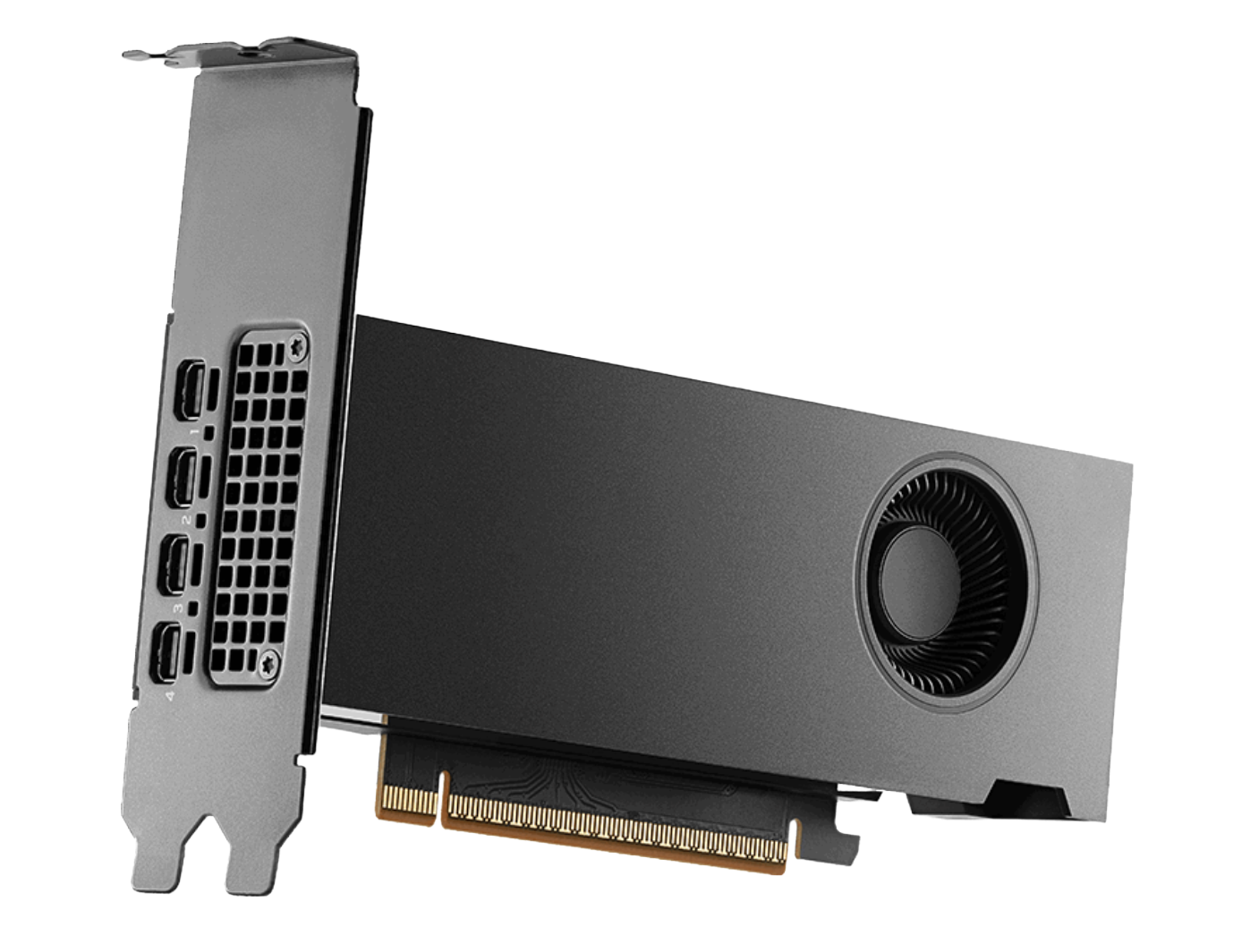
Image courtesy of NVIDIA.
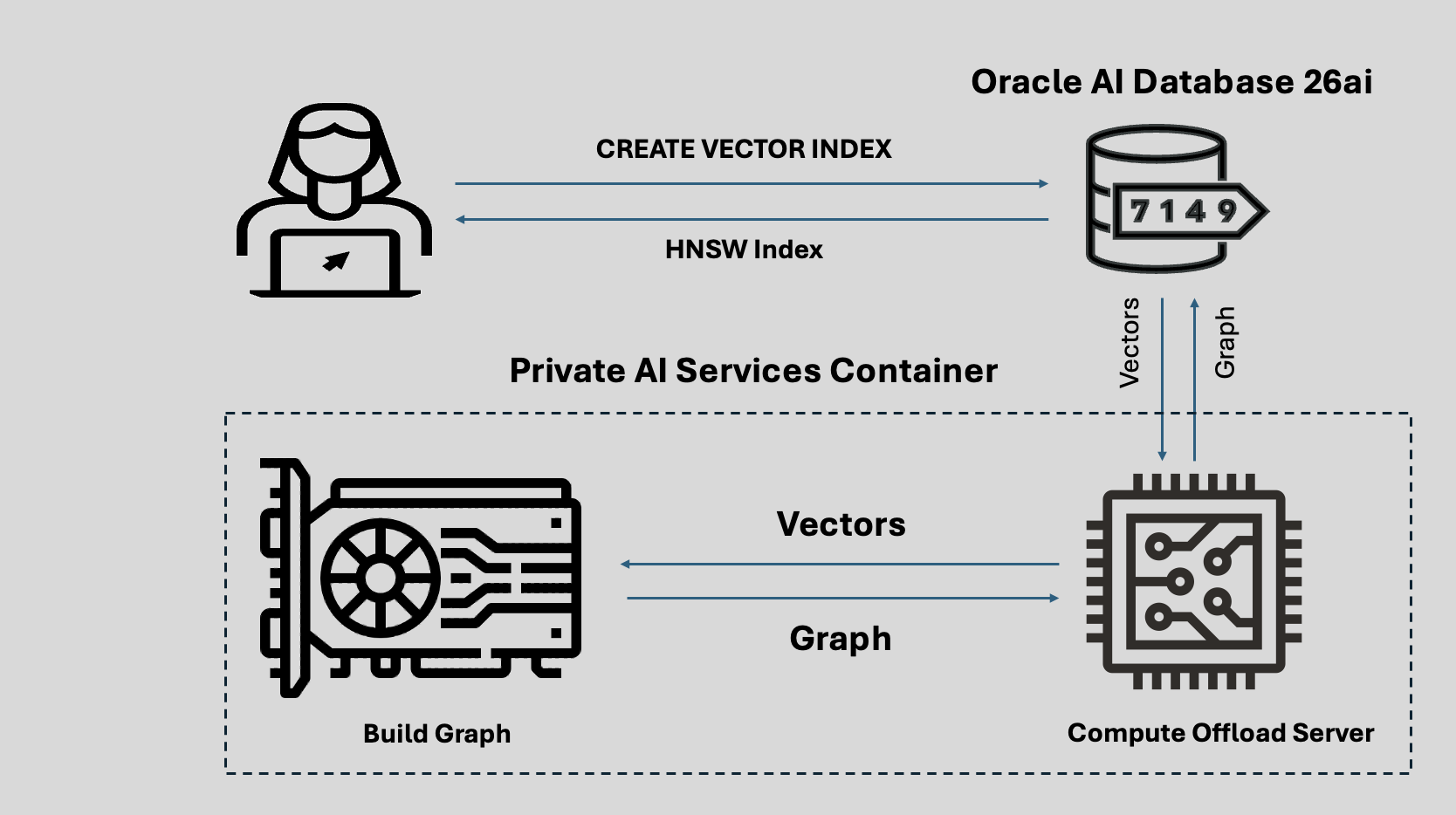
HNSW Vector Index GPU Offload
The GPU offload process is described below:
- CREATE VECTOR INDEX for HNSW on Oracle AI Database
- Vectors sent to Compute Offload Server in container
- Graph created from vectors
- Graph returned to Compute Offload Server
- Graph sent back to Oracle AI Database
- HNSW Vector Index available for use
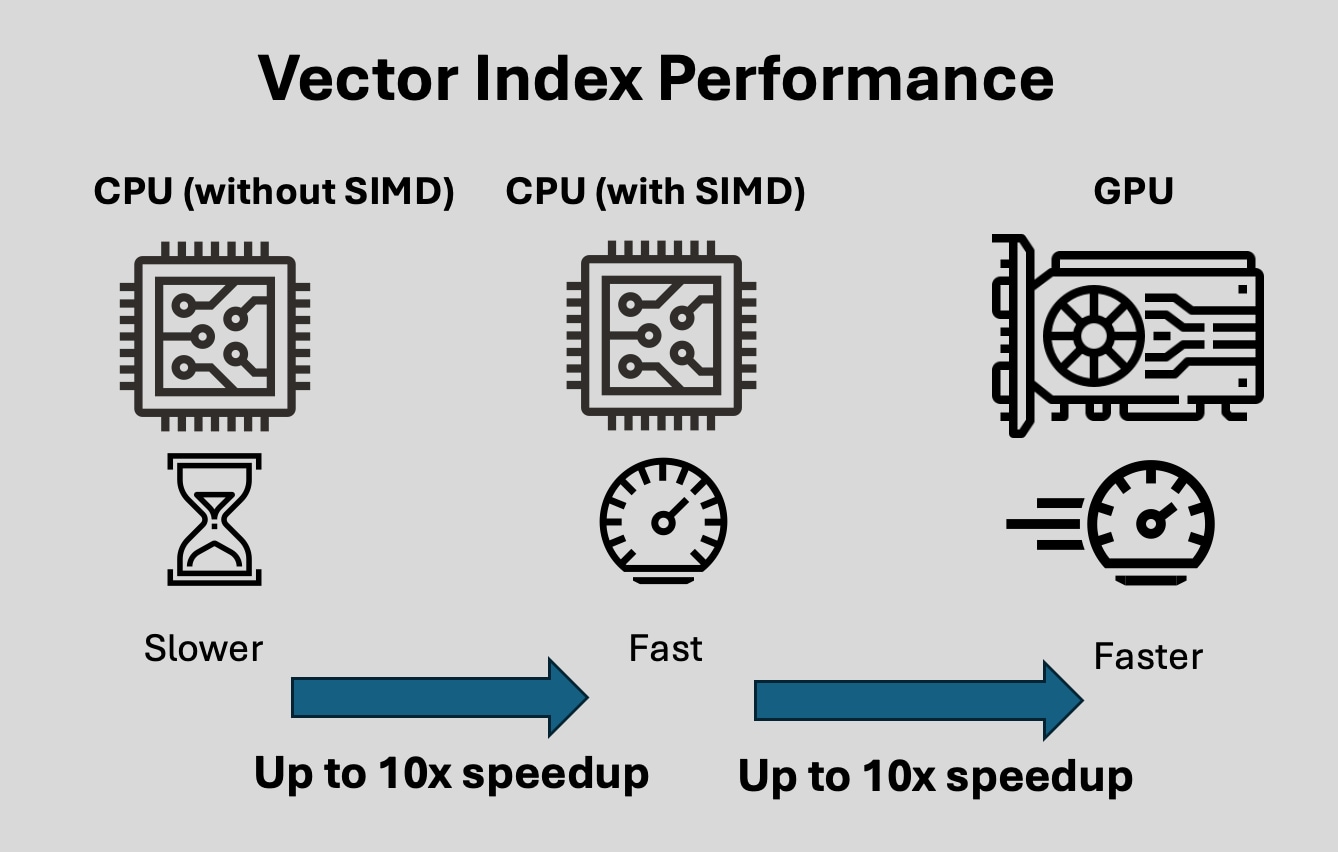
Vector Index Creation Performance
Creating an In-Memory Neighbor Graph Vector Index is computationally expensive and time consuming.
Using a CPU algorithm without SIMD techniques is the slowest option for creating In-Memory Neighbor Graph Vector Indexes.
Using SIMD (Single Instruction Multiple Data) techniques on x86-64 CPUs with avx512 can enable up to a 10x speedup for In-Memory Neighbor Graph Vector Index creation.
Using a GPU with the NVIDIA cuVS library using high bandwidth VRAM with Tensor and CUDA cores can enable up to a 10x speedup over SIMD for In-Memory Neighbor Graph Vector Index creation.
Supported NVIDIA GPUs
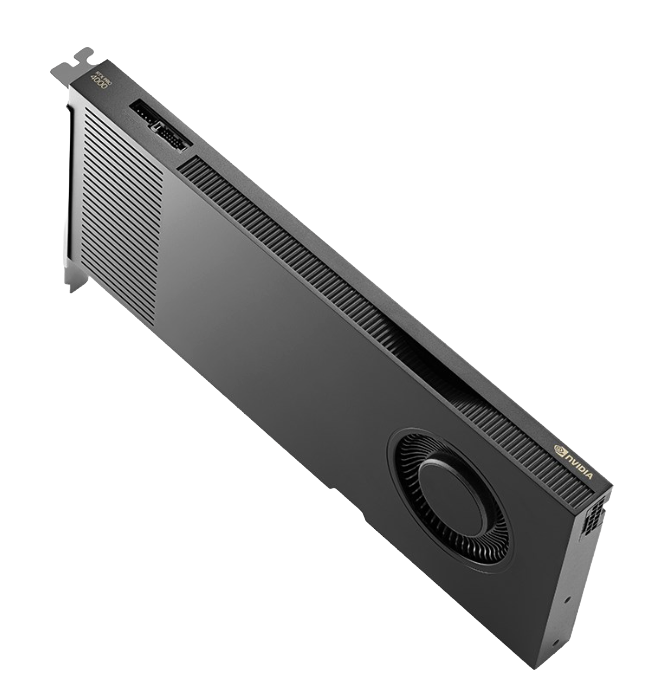
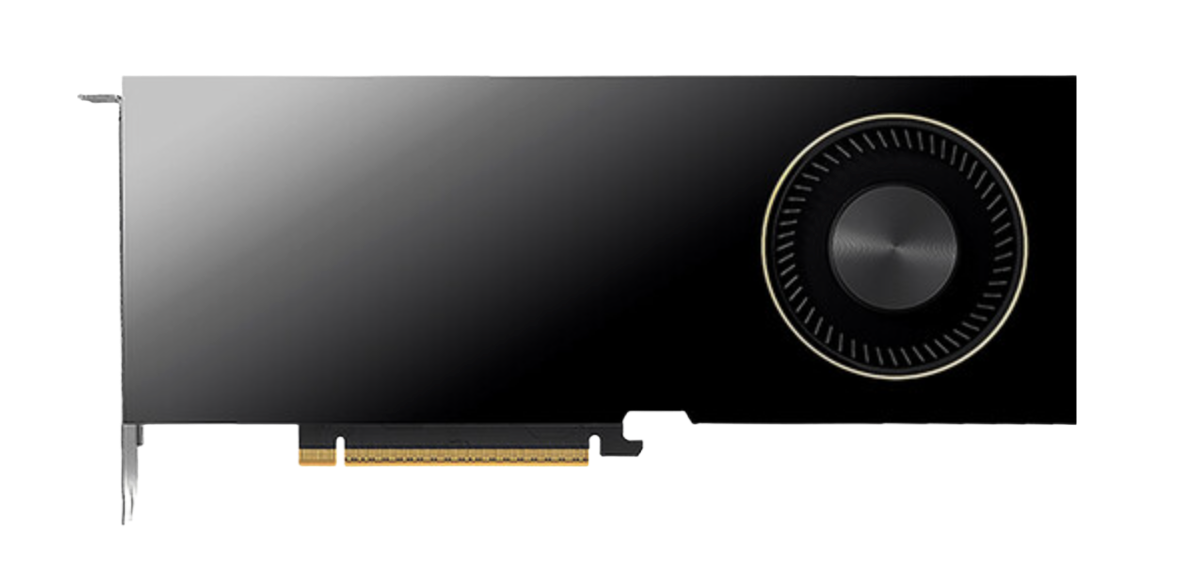
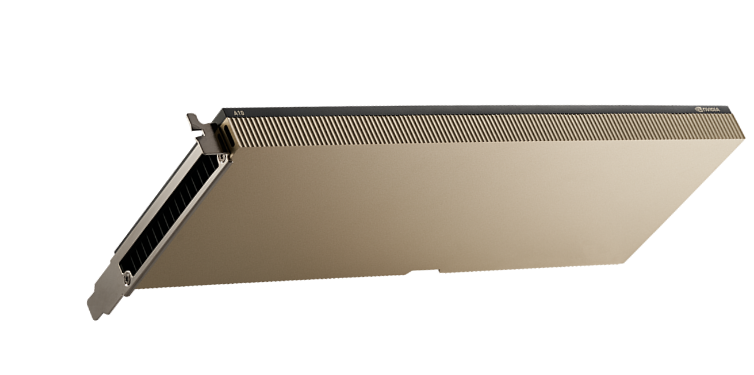
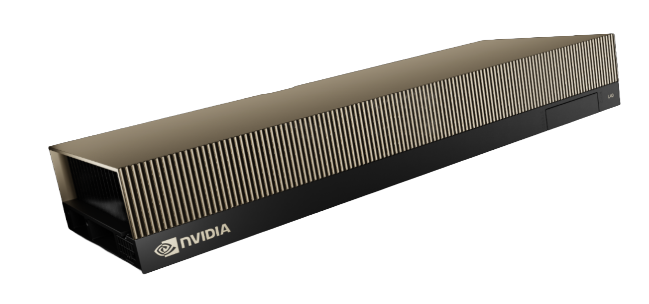
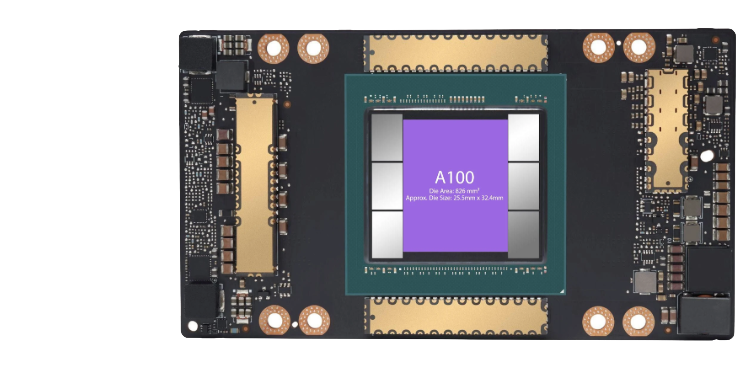
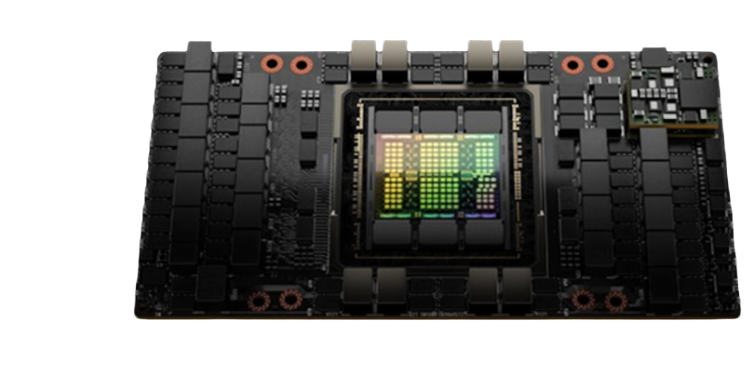
A100 Tensor Core GPU
The A100 uses the Ampere architecture.
The A100 has:
- 80 GB VRAM
- 2039 GB/sec memory bandwidth
OCI compute shapes:
- BM.GPU.A100
- BM.GPU.A100-v2.8
- BM.GPU4
- BM.GPU4.8
Image courtesy of NVIDIA.
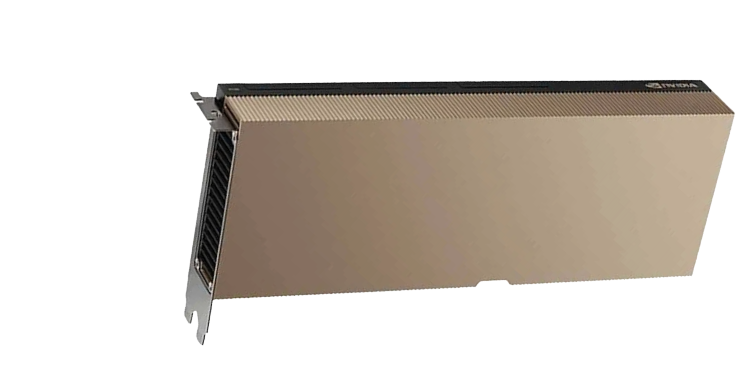
H100 Tensor Core GPU
The H100 uses the Hopper architecture.
The H100 has
- 94 GB VRAM
- 3.9 TB/sec memory bandwidth
OCI compute shapes:
- BM.GPU.H100.8
Image courtesy of NVIDIA.
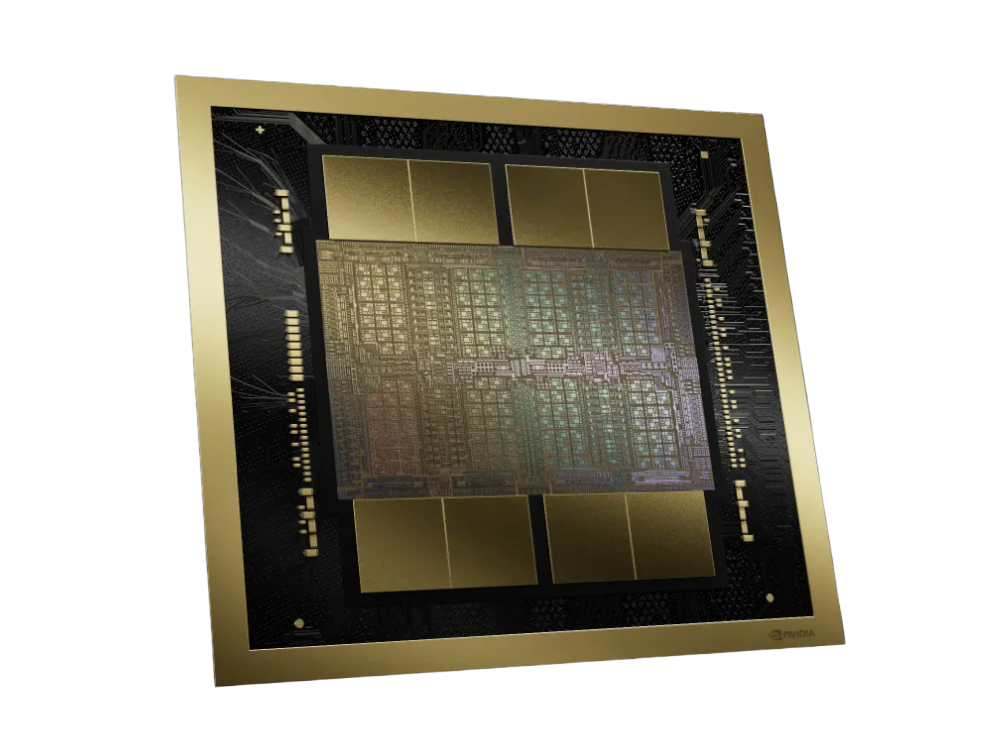
NVIDIA H200 GPU
The H200 uses the Hopper architecture.
The H200 has
- 141 GB VRAM
- 4.8 TB/sec memory bandwidth
OCI compute shapes:
- BM.GPU.H200.8
Image courtesy of NVIDIA.
NVIDIA Blackwell GPU
The B200 uses the Blackwell architecture.
Each B200 has:
- 180 GB VRAM
- 8TB/sec memory bandwidth
OCI compute shapes:
- BM.GPU.B200.8
Image courtesy of NVIDIA.
Using Vector Index Offload
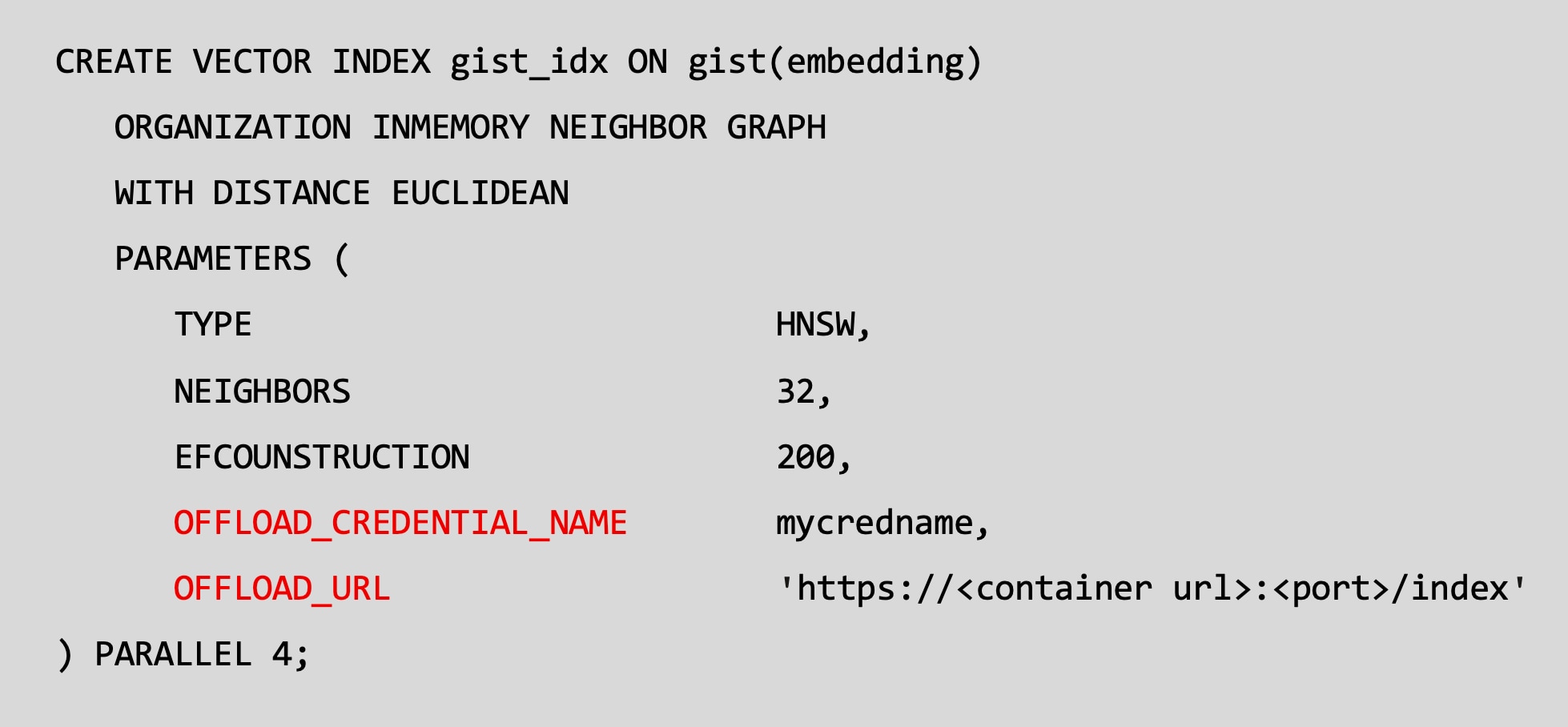
CREATE VECTOR INDEX example
The existing Oracle AI Database 26ai syntax to create an In-Memory Neighbor Graph Vector Index is extended to include the credential and URL for the Oracle Private AI Services Container.
The offload_credential_name is the API KEY for the Private AI Services Container.
All communication with the Private AI Service Container uses SSL (TLS 1.3).
Container Configuration
The Vector Index Service of the Private AI Services Container can be deployed with Podman as the container runtime.
The x86-64 Linux host machine that the container requires:
- Oracle Linux 8.10+, 9 or 10
- A supported NVIDIA GPU
- NVIDIA drivers for 580.65.06 or later
- NVIDIA Container Tool Kit 1.19.0 or later